Research & Context
For my major project I will be creating a refreshed brand identity for a charitable organisation The Dog Hub which is a business where all funds go to the charity Oakwood Dog Rescue. My target is to create a stronger tie between the two and create a design that shows the benefits of each. As this is a company that is about dogs, rescue dogs and is a charity my first form of research was to look at some of the more well known dog related charities in the UK- more specifically the RSPCA.
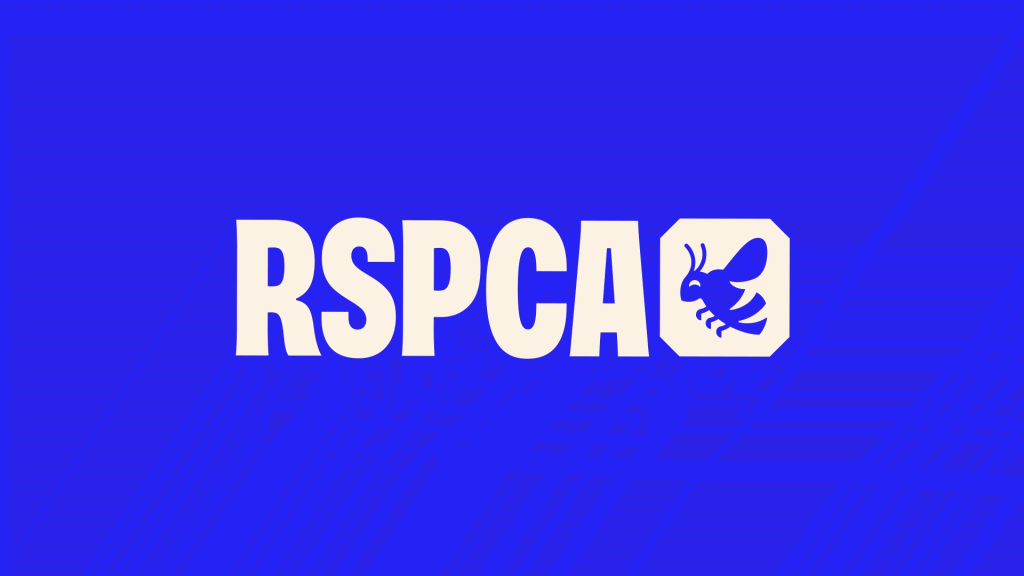
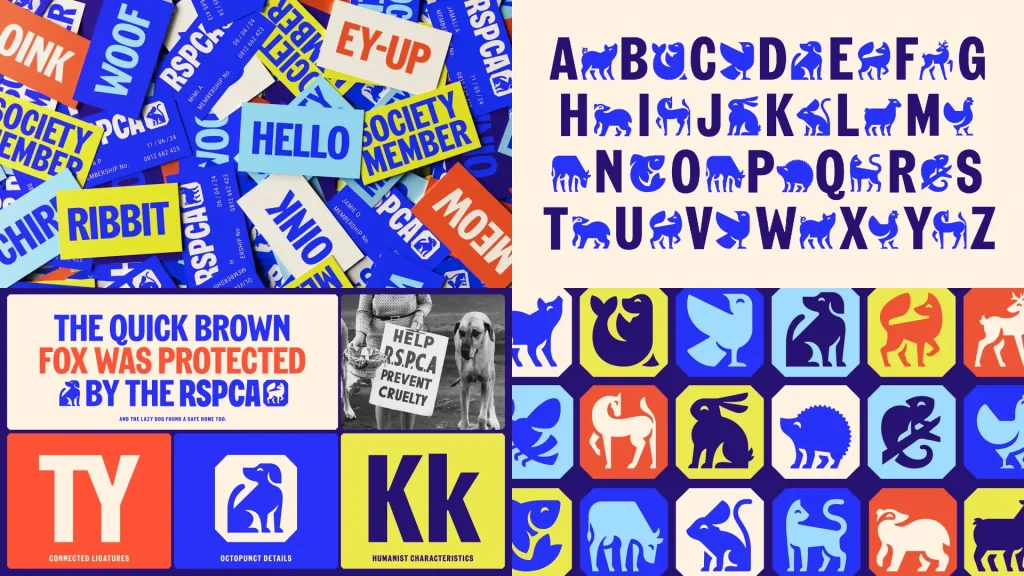
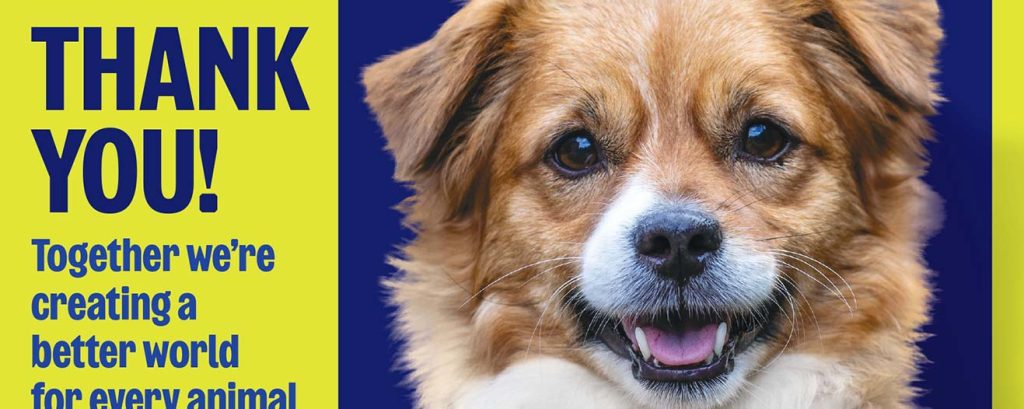
The design work from the RSPCA is effective as they create a strong memorable visual identity while still communicating clearly, the use of a bold typeface, playful animal illustrations and a bright and vivid colour palette creates a branding system that is instantly recognisable. The large bold text immediately grabs your attention and establishes a clear visual hierarchy. The iconography adds personality and emotional appeal to the design which help put across what the RSPCA stands for and their mission of animal welfare, the icons are simple and playful and not too overly serious or corporate, this is nicely balanced out with some imagery of more “sadder” looking animals. This design choice shows how design can be done “simply” and effectively to help promote change and/or send a message, the layouts are mostly created on a grid, on blocks of colour with minimal shapes and iconography, however, the bold font and use of vivid colour and bold composition prevents the work from looking “plain.” This shows how the use of correct colour, composition and typography can help showcase that message.
Conceptual Development
To begin with my development of the project my first step was to create a logo design for both companies to begin with I created a solo logo for The Dog Hub which also mentions Oakwood within the logo, however I felt that didn’t really bode well with my goal to strengthen the link between the two by just focusing on one logo for The Dog Hub. Instead I decided to design a logo for both companies so that they get equally the same treatment of my redesign.
Once I had decided with what to do with my logo design, to begin with, I wasn’t sure where to go next so began to think of something I could create that would be a ‘large’ piece of my project, I then had an idea. When people first sign up to The Dog Hub they have to go through an induction of the site which gives them the very basics of the company policy, information and paper work etc. I developed the idea to create an information pack that could be given to each customer when they first sign up and go on this induction. Doing this will give me the opportunity to build the bridge between the two companies and show more information about the two in further detail and give each customer a bit more context of the charities and what they stand for.
On top of this once I have my logo and design set in stone I will then go on to create more detailed mockups and real world examples of branding as well as some social media elements through Figma.
Experimentation & Prototyping
Once I had my plan for what I was going to design my first step was creating the logo design for each brand. I began with a few sketches on my iPad using procreate which I then imported into illustrator to make them vectorised.
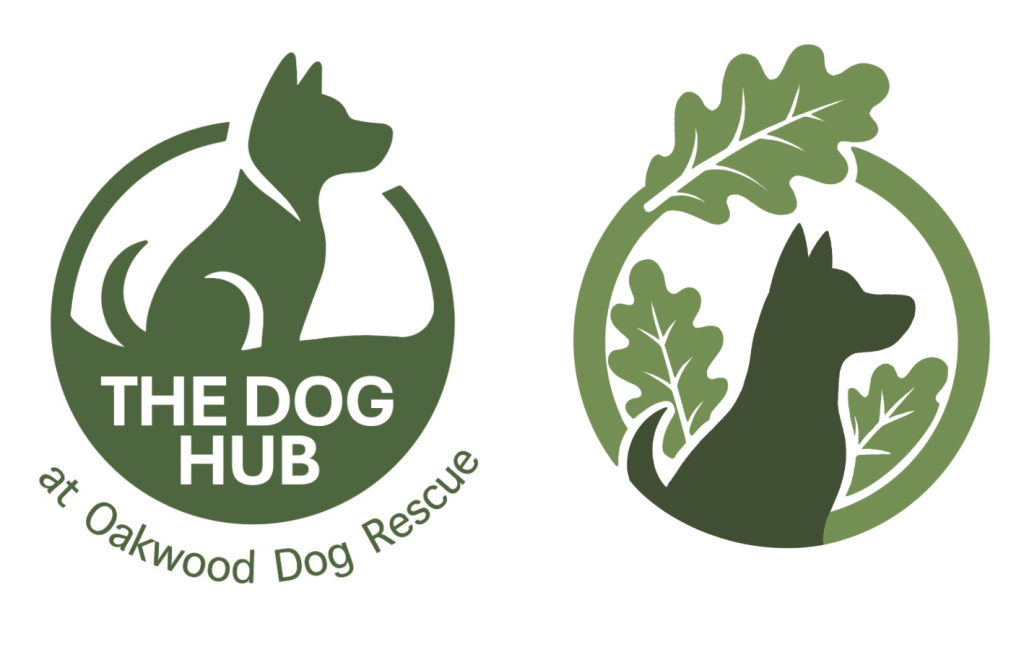
Above were my first early variations and sketches for my logo design for The Dog Hub, these designs I decided against using as I felt they were a bit too bland and corporate looking, and felt they didn’t really portray the tone of voice I’m aiming for. Also after receiving user feedback from work colleagues at The Dog Hub gave me more a reason not to use them which i’ll explain in the next section.
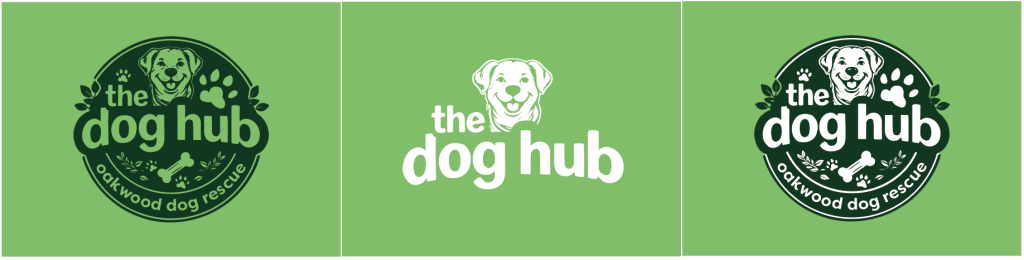
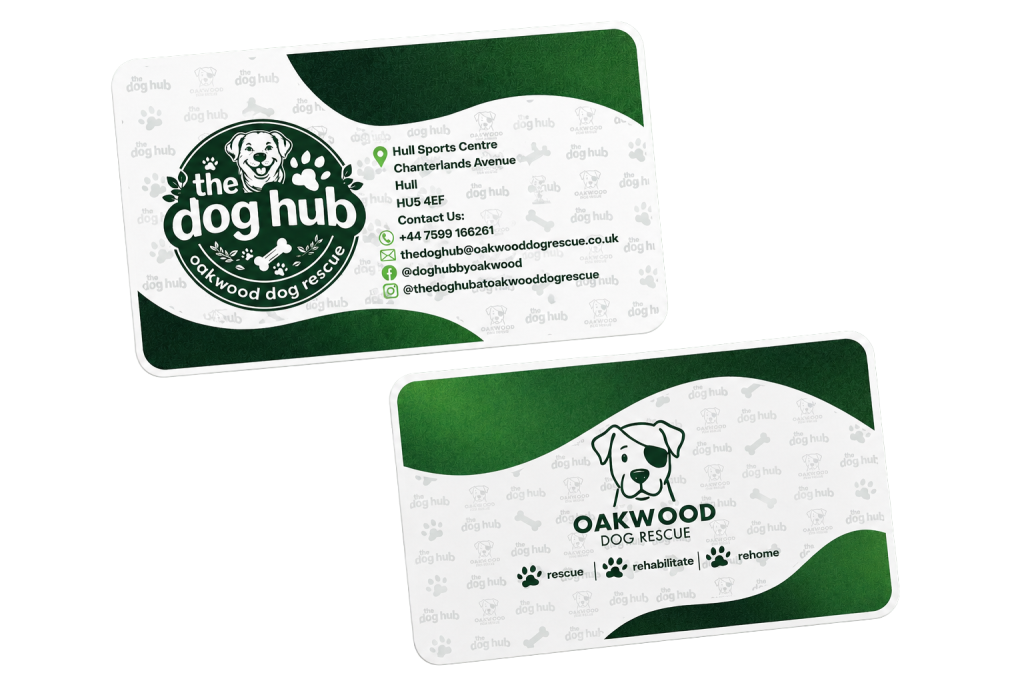
My final logo design I felt was much better, it is more bold, friendly and approachable and I feel the happy illustration of the dog within the logo helps capture the Friendliness of the company and makes it a lot more welcoming.
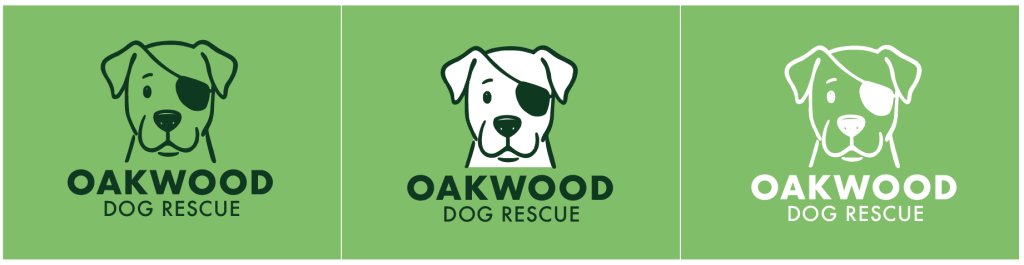
Finalising The Dog Hub logo first made the ideation and development for the logo for Oakwood a lot easier as I wanted to create something similar and so my idea was to create something similar to the Pudsey Bear logo and drew the illustration of the dog with an eye patch which helps send the message that the company helps with Rescue Dogs.
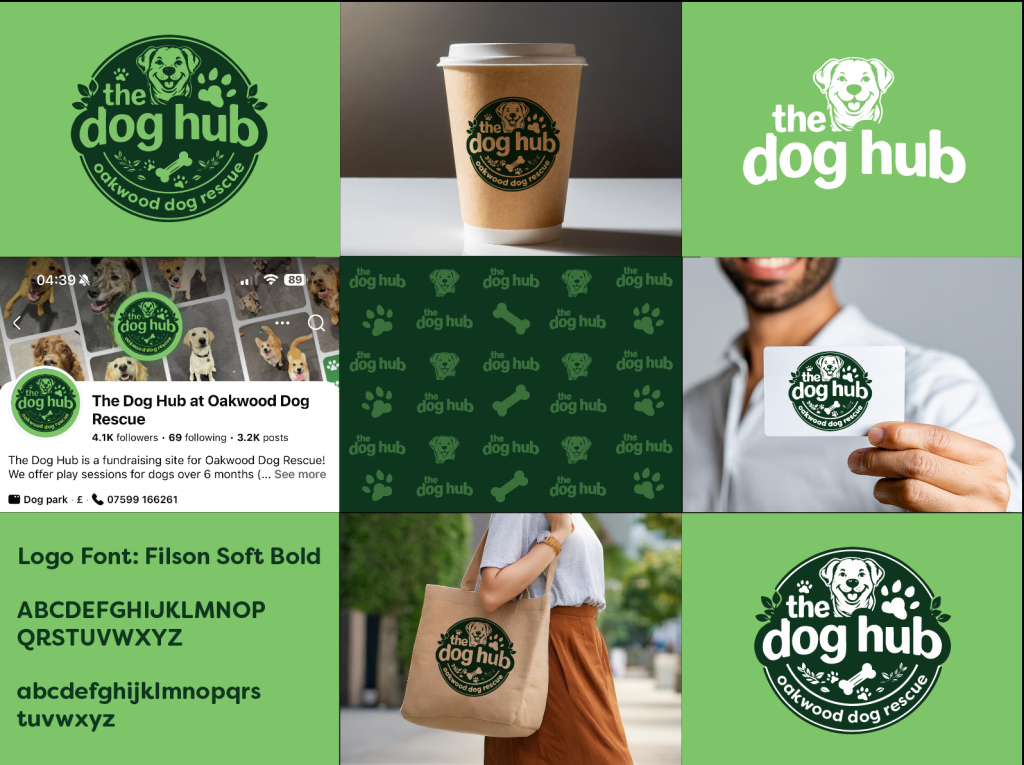
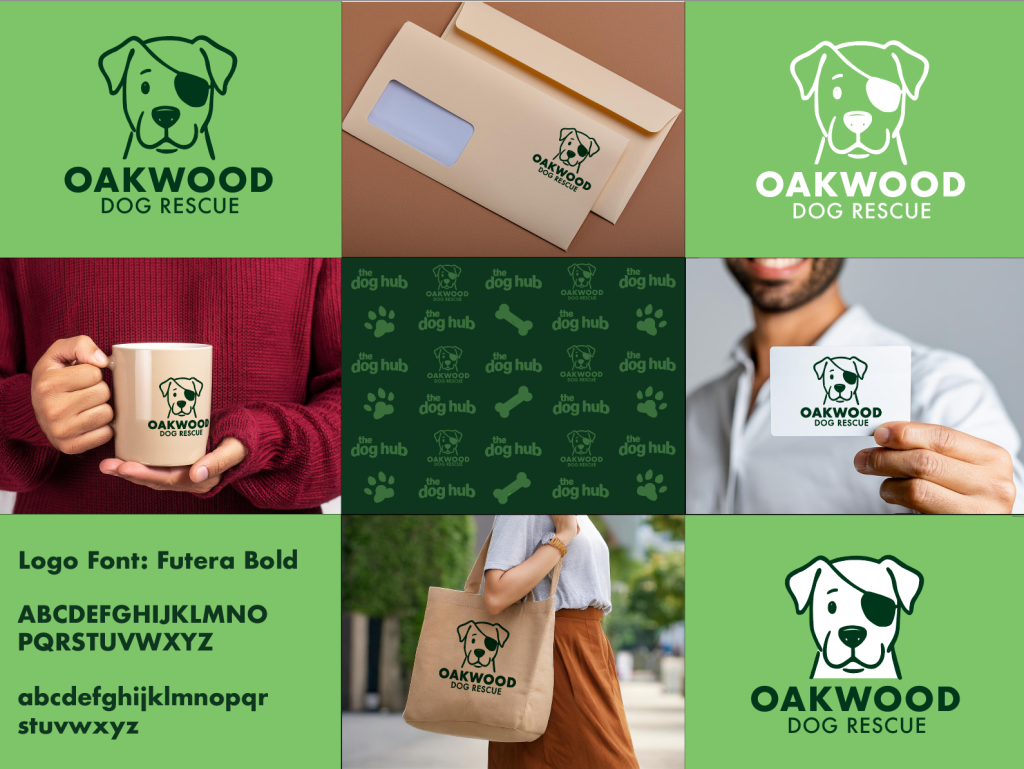
Once I had both logos set and final I placed them into some very rough and quick mockups using Illustrators Mockup tool to see how the logo looks and holds itself in the real world.
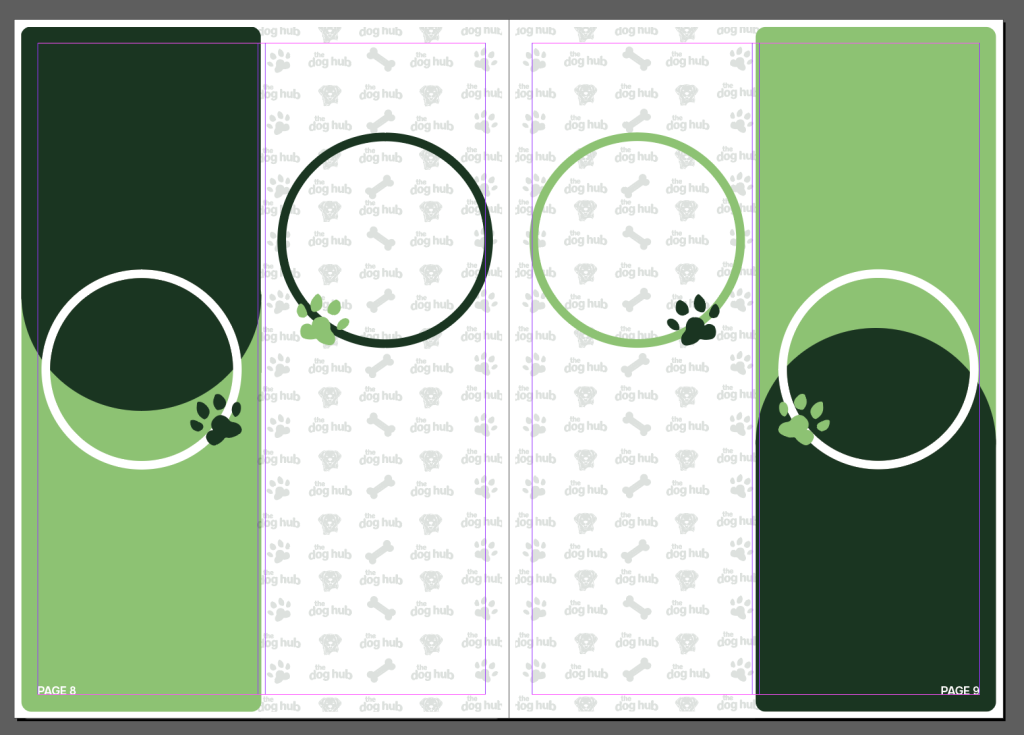
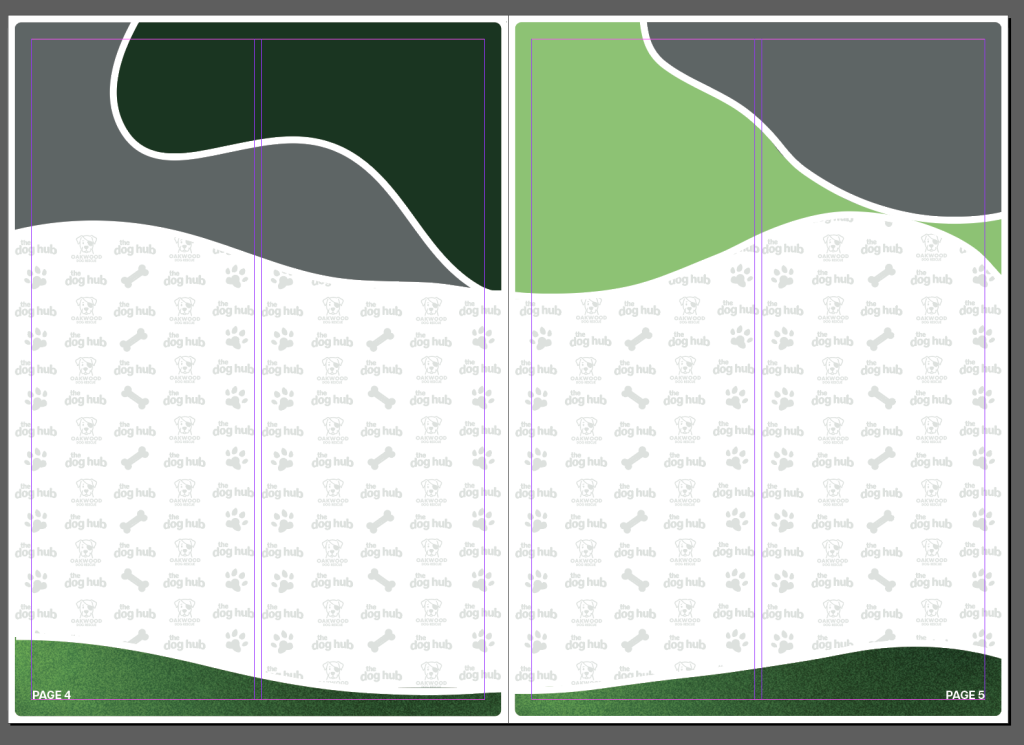
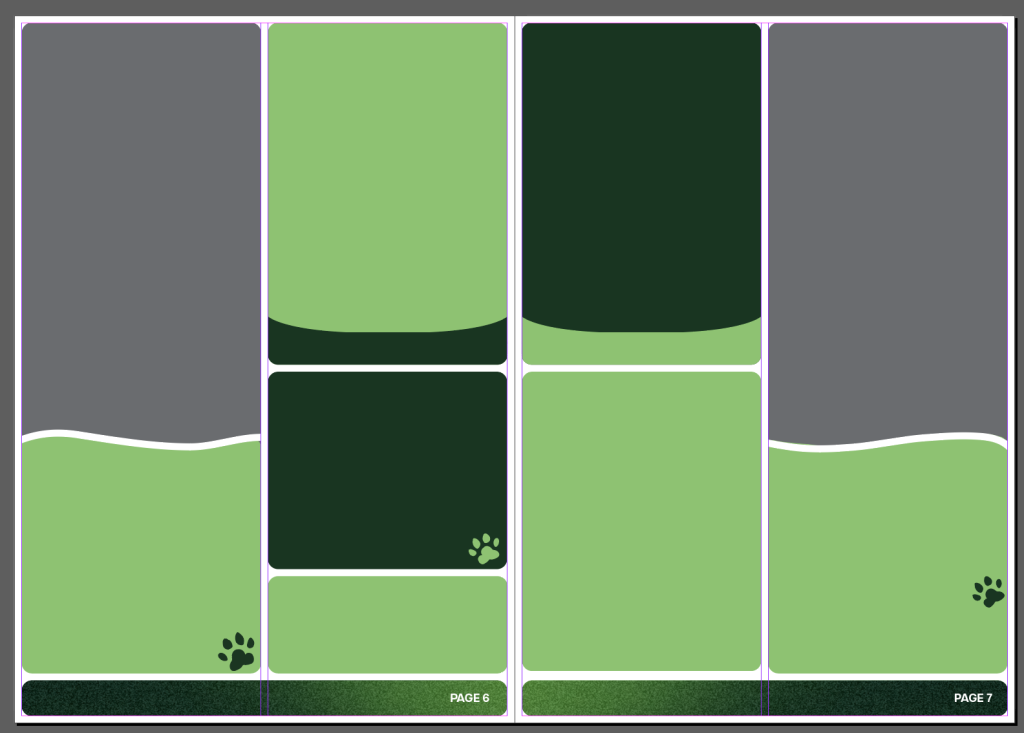
Above are a few screenshots from indesign where I began to plan out my pages for my information booklet, I began by planning out every pages layout and then placing in any text, imagery and so on in last. I haven’t included a screenshot of every page as that would be too much as the booklet totals 20 pages.
User Testing & Feedback
Once I had my design ready and planned I reported back to my work colleagues and showcased my work to them each week, I don’t have any evidence as this was all done in person and verbally. With the logo design for The Dog Hub I showed above they did like the first couple of iterations I designed however they did agree with me that it felt a bit too dull and corporate looking and so I mentioned about creating a design that included more illustrative work to which they agreed. When I went back the following week and showed them the new design they all loved it and said it’s exactly what they were looking for and the same was said for the logo designed for Oakwood Dog Rescue.
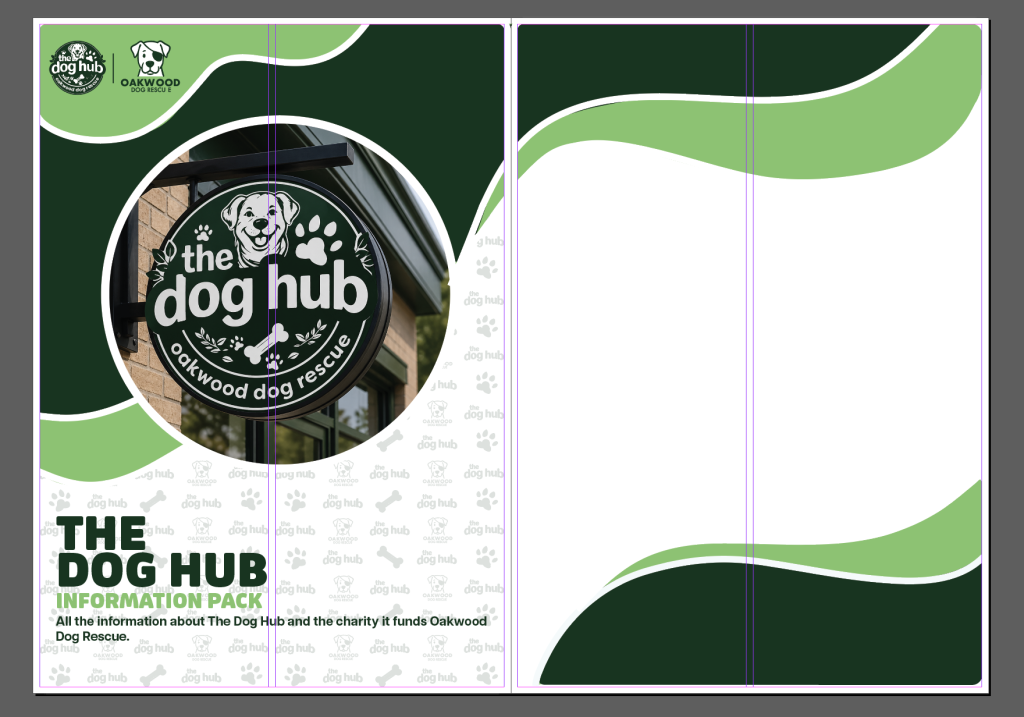
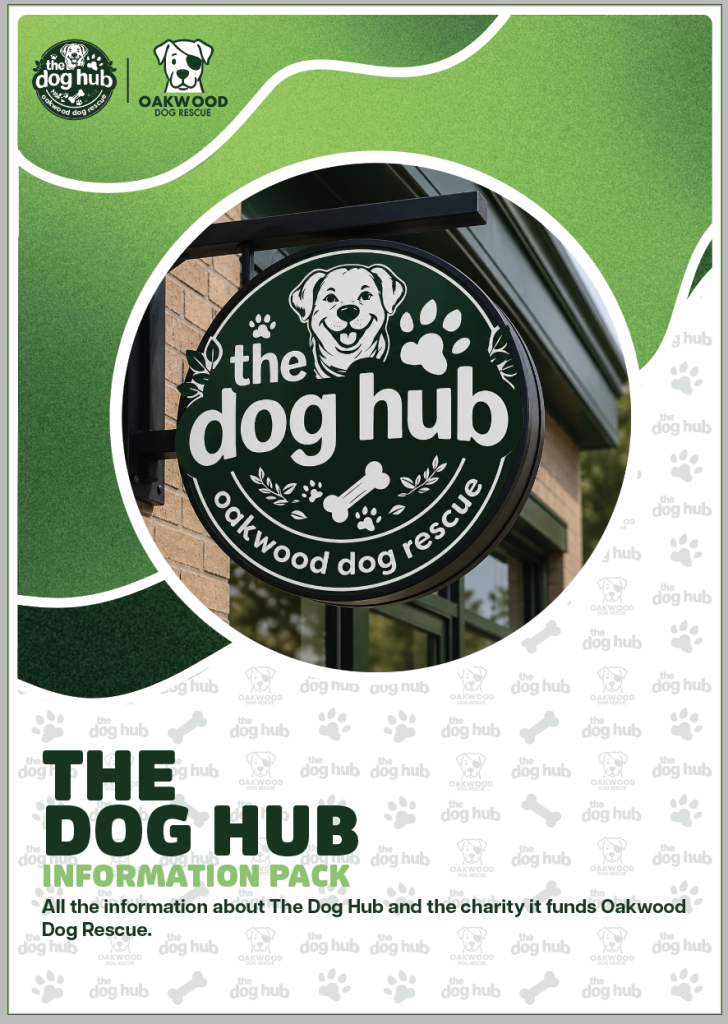
Another thing that I asked my colleagues opinion for was the booklet whether to design it with just blocks of colour or with the grained gradient, to which we all agreed the gradient was the better choice as it added a further bit of texture and detail to the booklet. We all agreed that the plain blocks of colour looked a bit too “basic” and “plain” and the gradient helped erase any of that feeling. Another thing asked was whether to include the repeating pattern in the background on each white part of the poster or without to which it was agreed to include it as it adds a further layer of small detail and colour to the page.
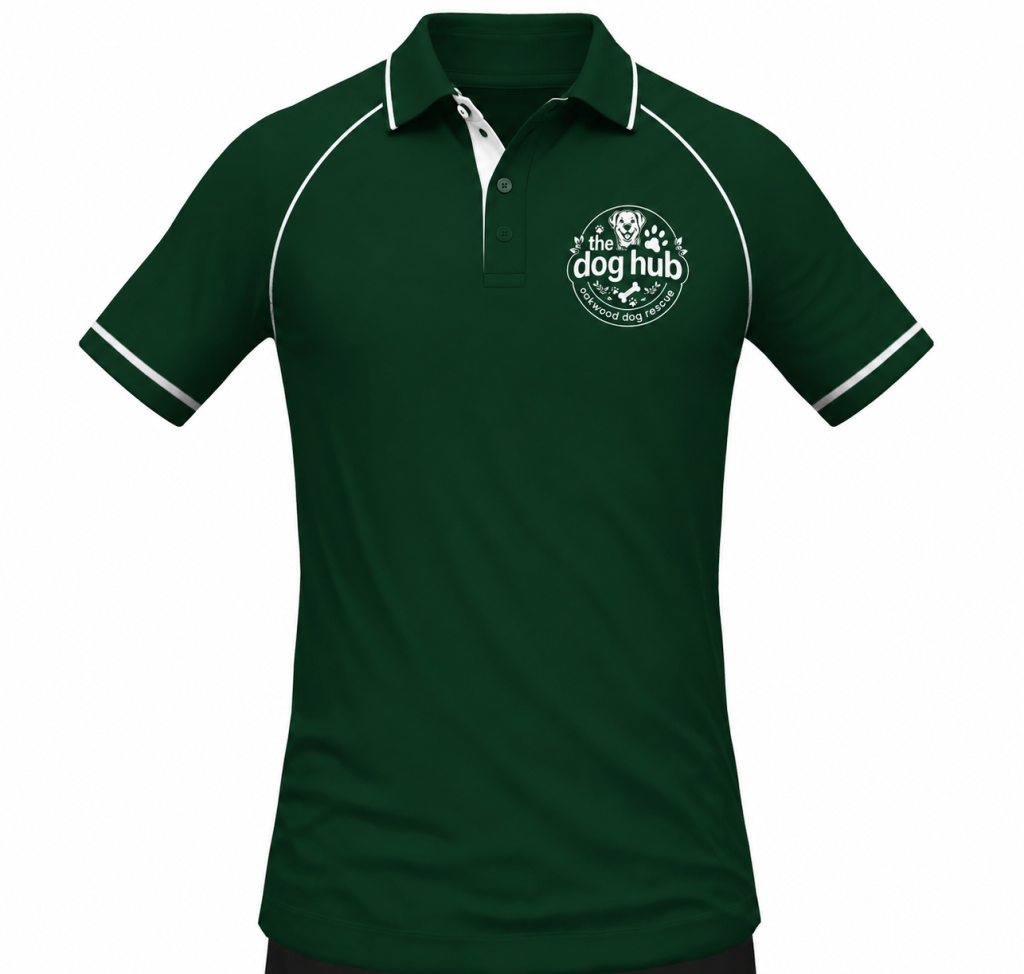
The final thing I asked for feedback on was the uniform I created, I felt the uniform shouldn’t be something that has been designed overly graphically as it is something that is going to get dirty very quickly working with dogs all day and they agreed as it is pretty similar to the current uniform which is the same for that very reason.
Informed Design Decisions & Direction
Once I had all my design set and final my final step was to start putting my work into some more professional settings and mockups. I began by placing logo design into some building signage mockups and my pages from my information booklet into some more professional book looking mockups within photoshop.
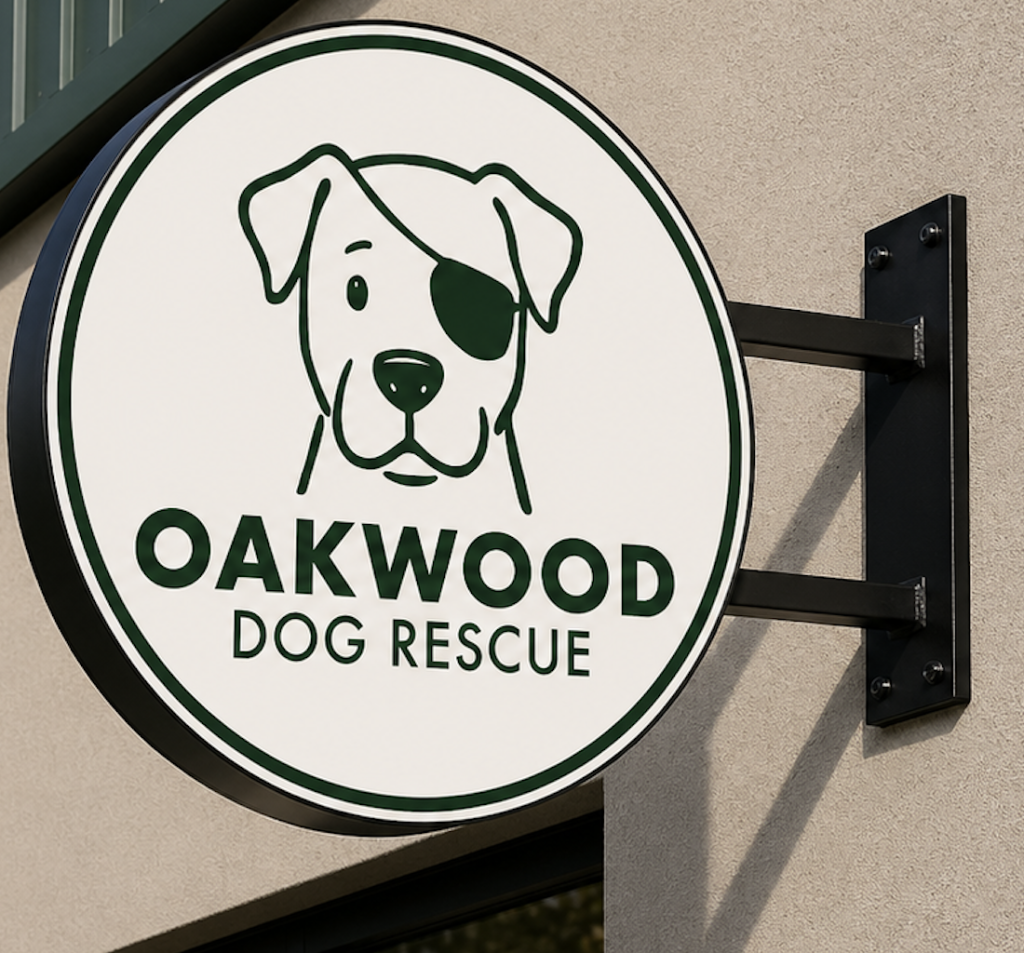
For this mockup I made use of ChatGPT and entered the prompt “place logo design into a building sign mockup” with this being the result, this proves as a useful tool in the modern day graphic design world and has allowed me to view my design in more real world viewpoint and see how it stands in the real world.
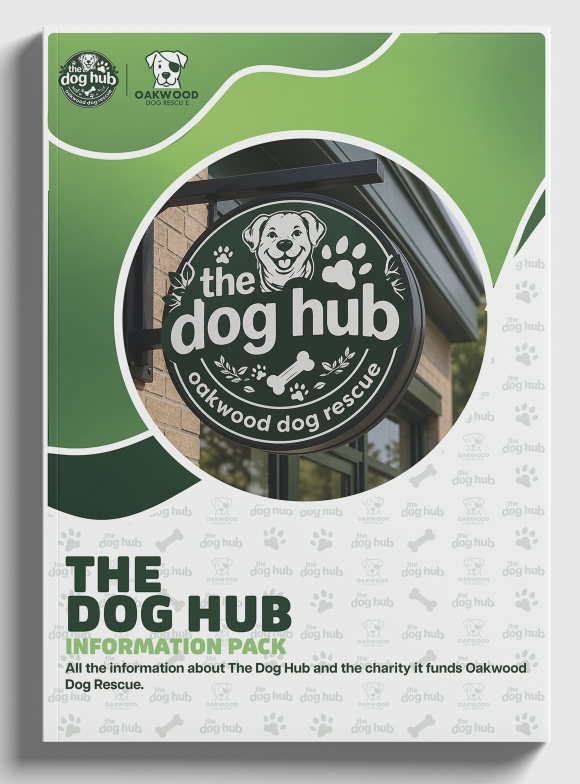
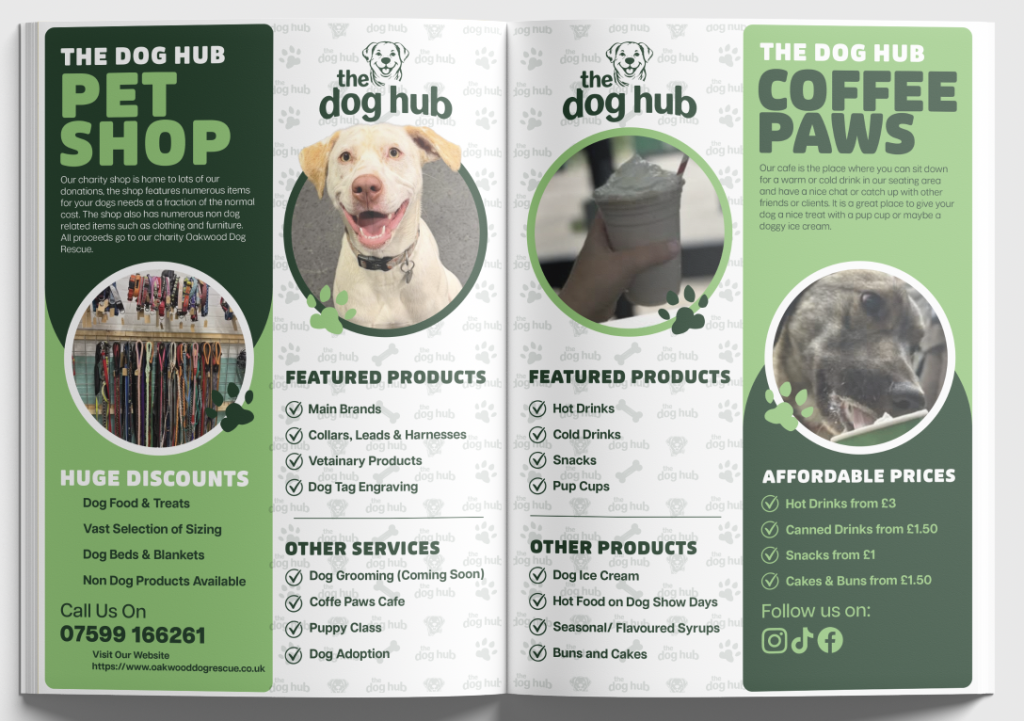
Above are the examples of how my booklet design looks in a real world mockup, seeing my design in this way has made me a lot more satisfied with my design choices as I feel it looks and feels the way I wanted it too which is a more not so corporate design and more “friendly” looking and approachable and I feel the colour and design choices I made mentioned earlier really do make the design eye catching.
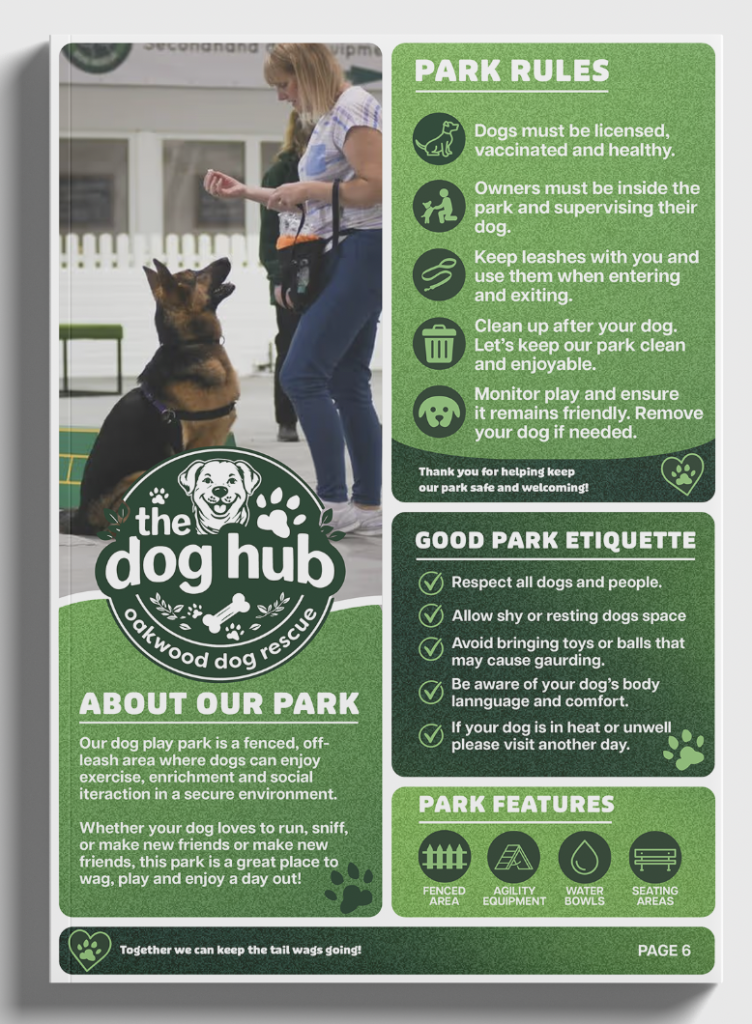
I designed my booklet pages in a way that they can also be separated from the booklet and be used as solo posted that could be placed around the site. Above is a mockup showcasing a page from the booklet on its own, again seeing this is a professional standard I am satisfied. I feel it works well on its own as a solo information poster that could be used anywhere on site without losing any context or needing to rely on context from the booklet.
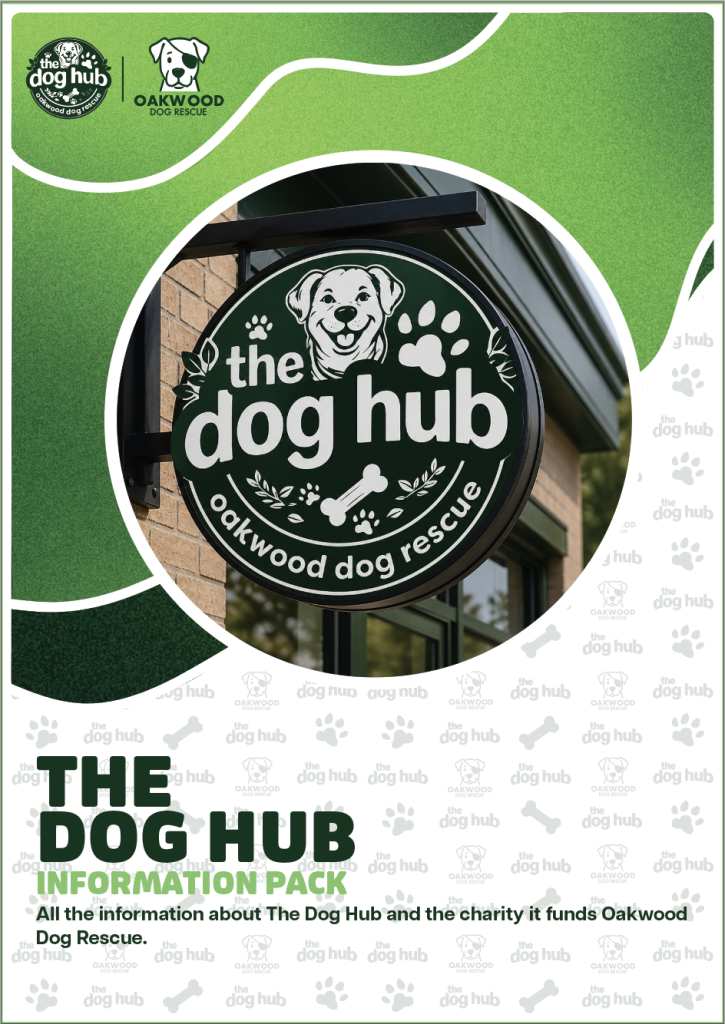
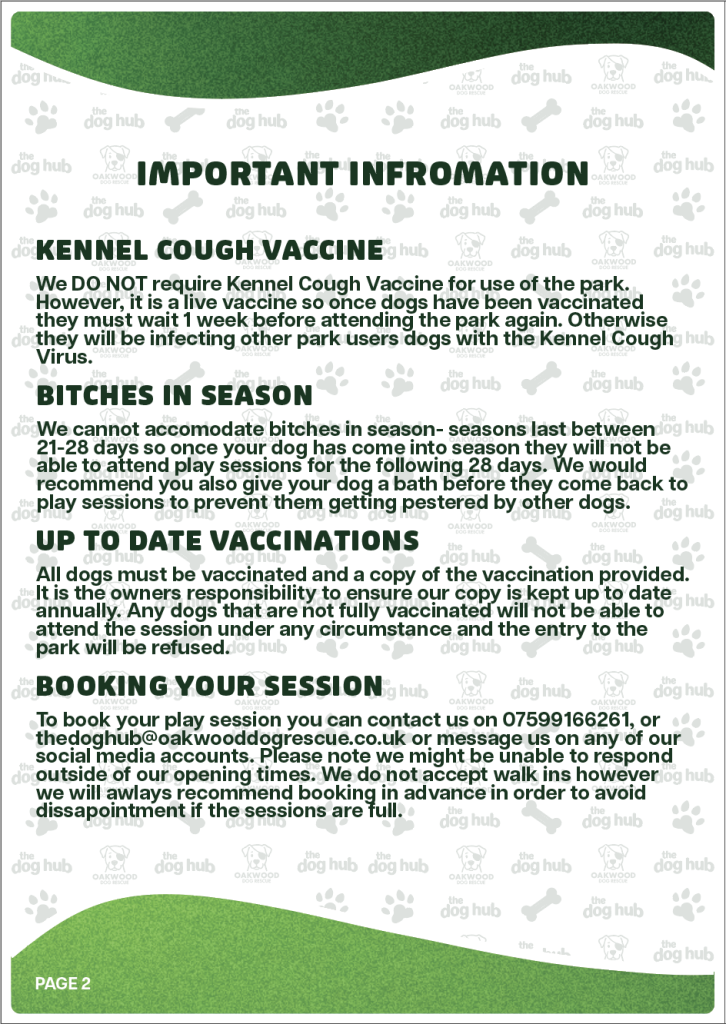
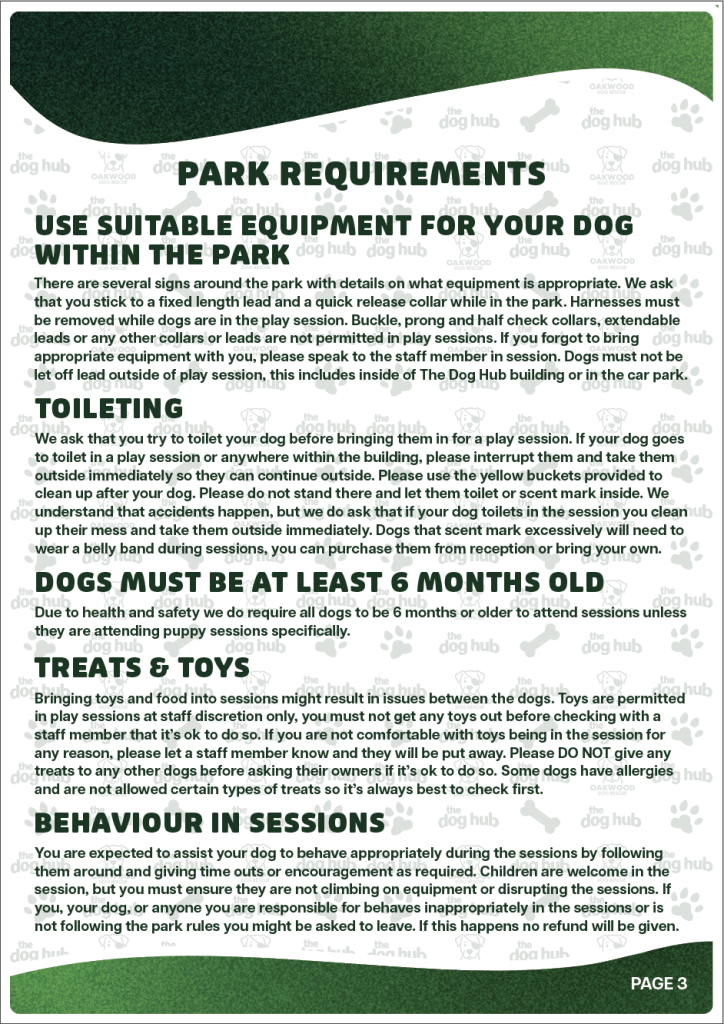
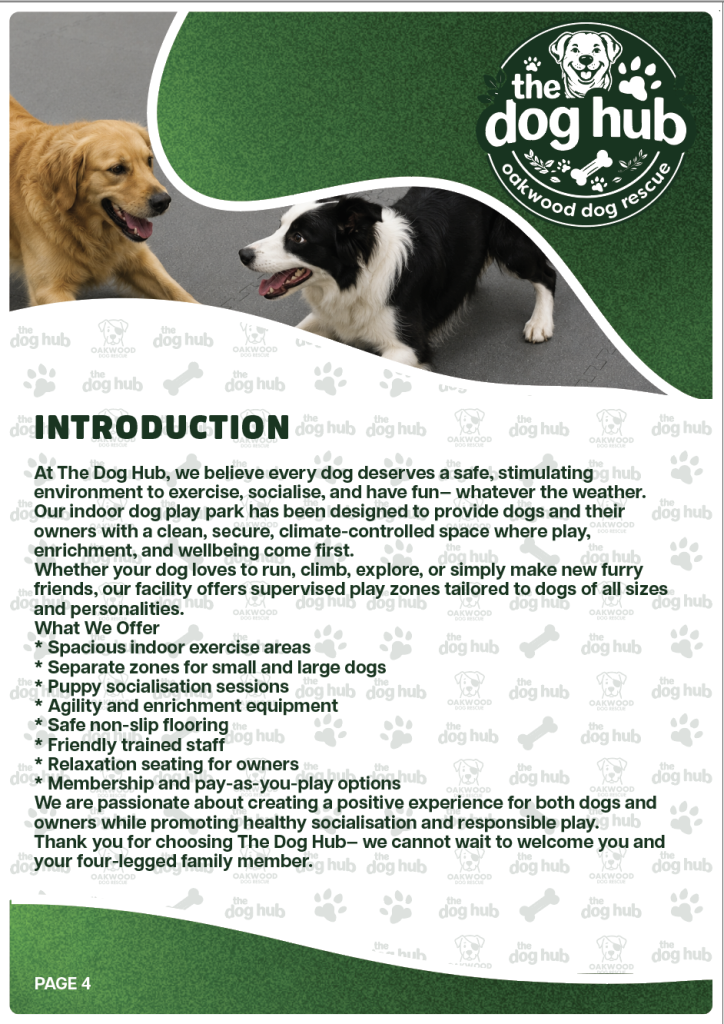
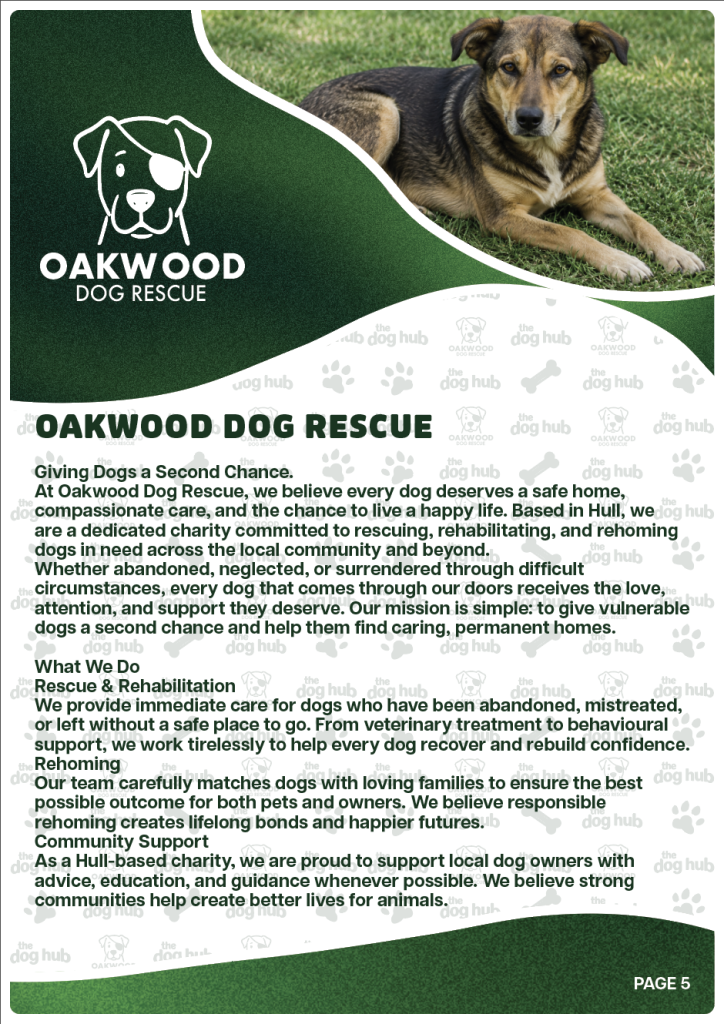
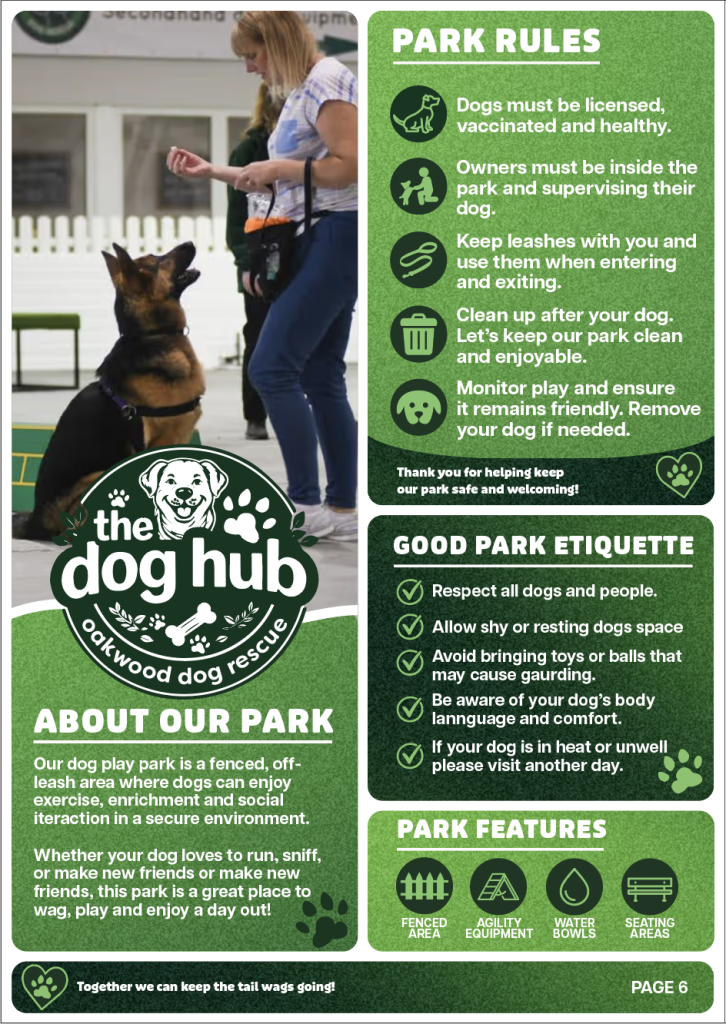
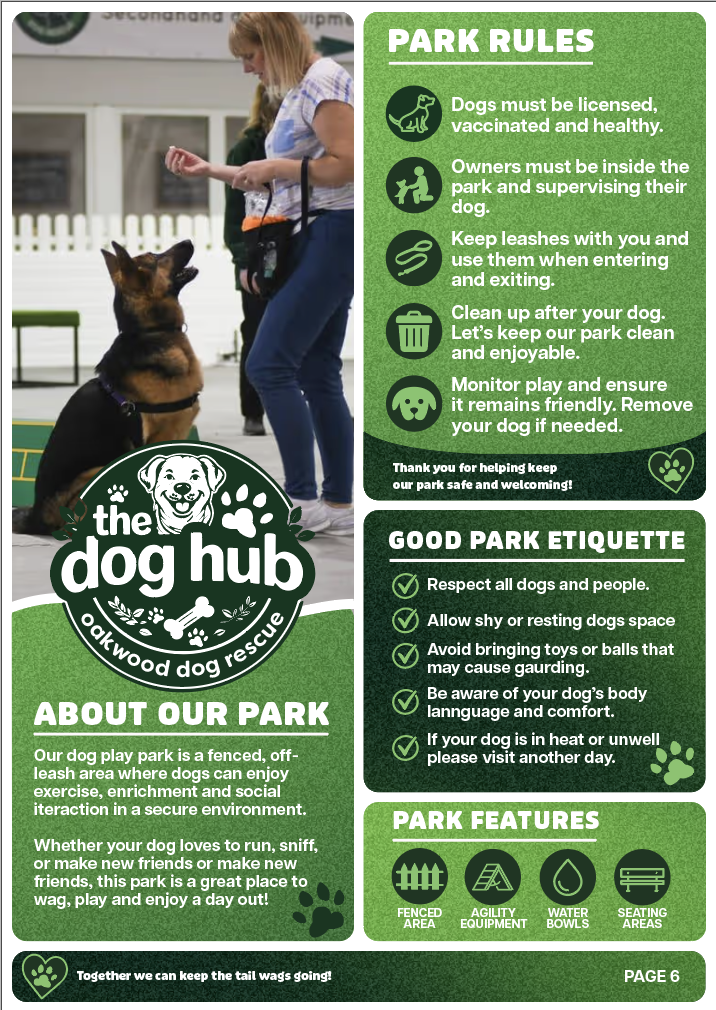
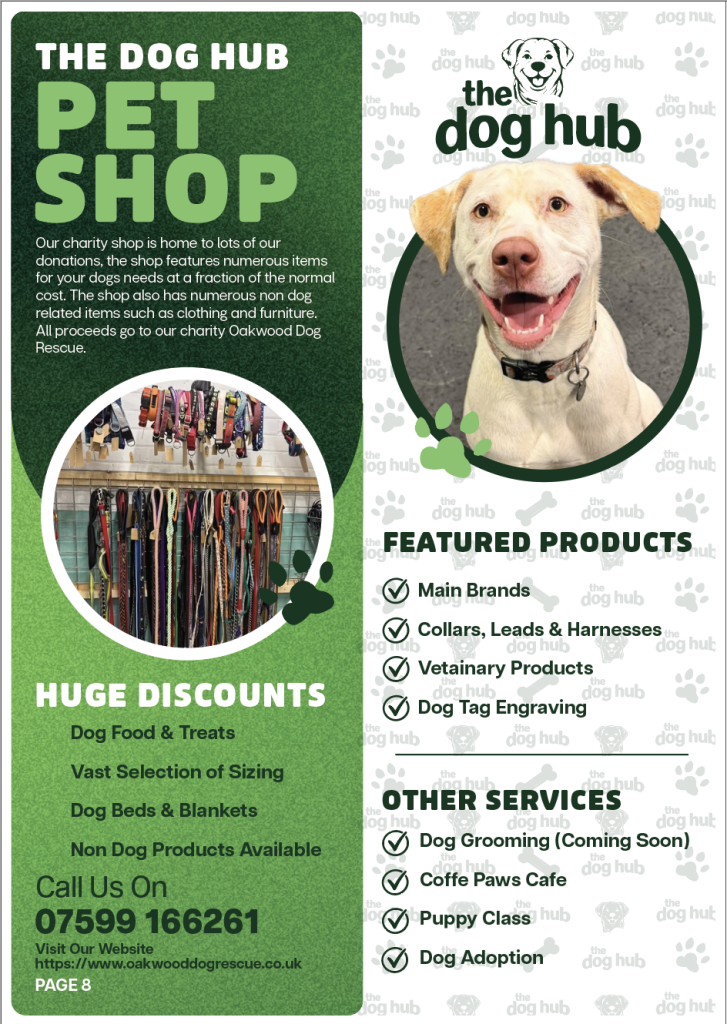
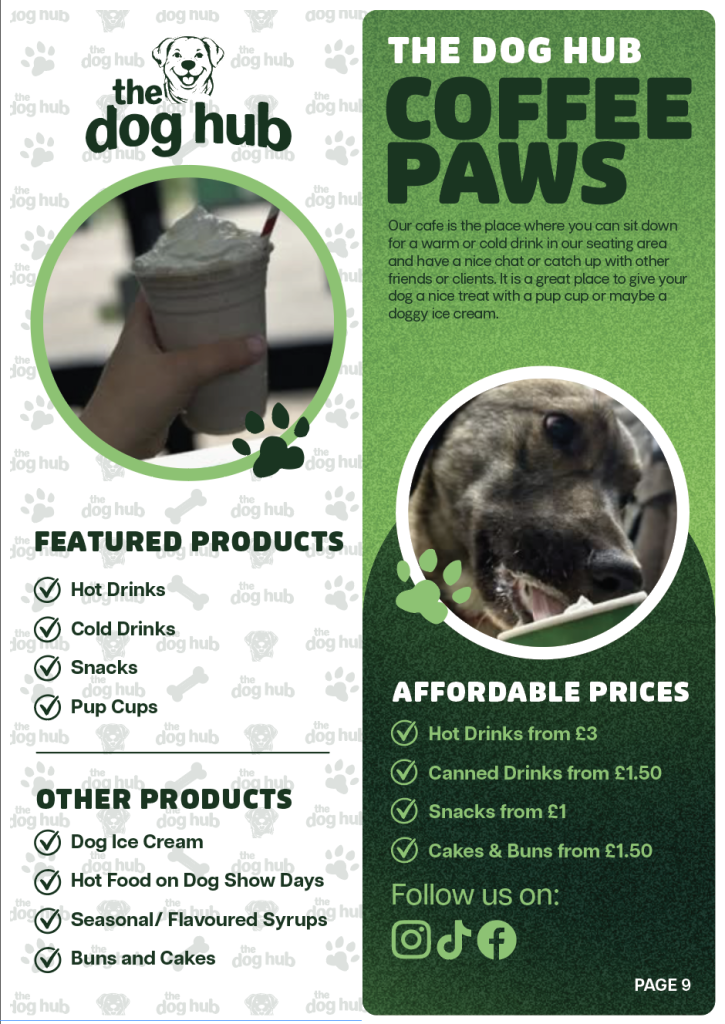
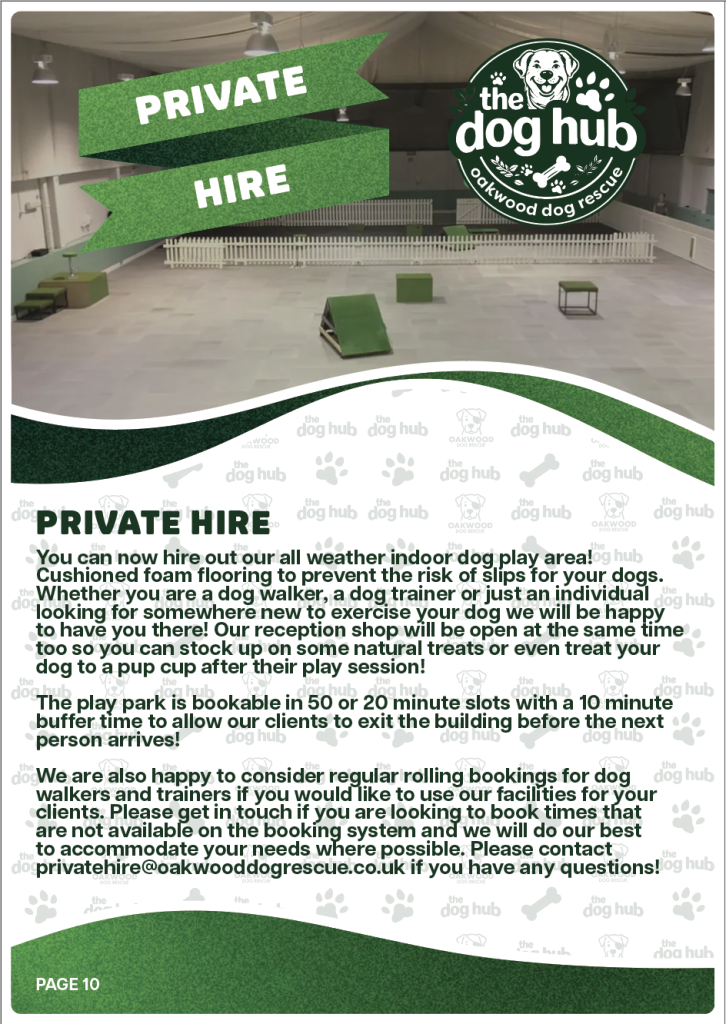
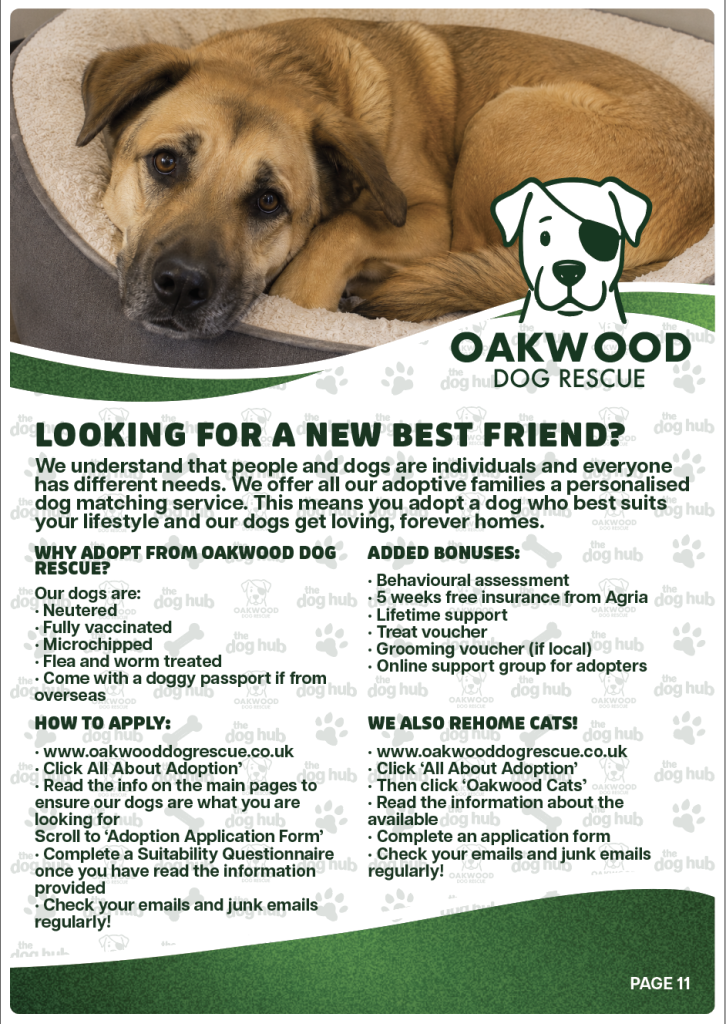
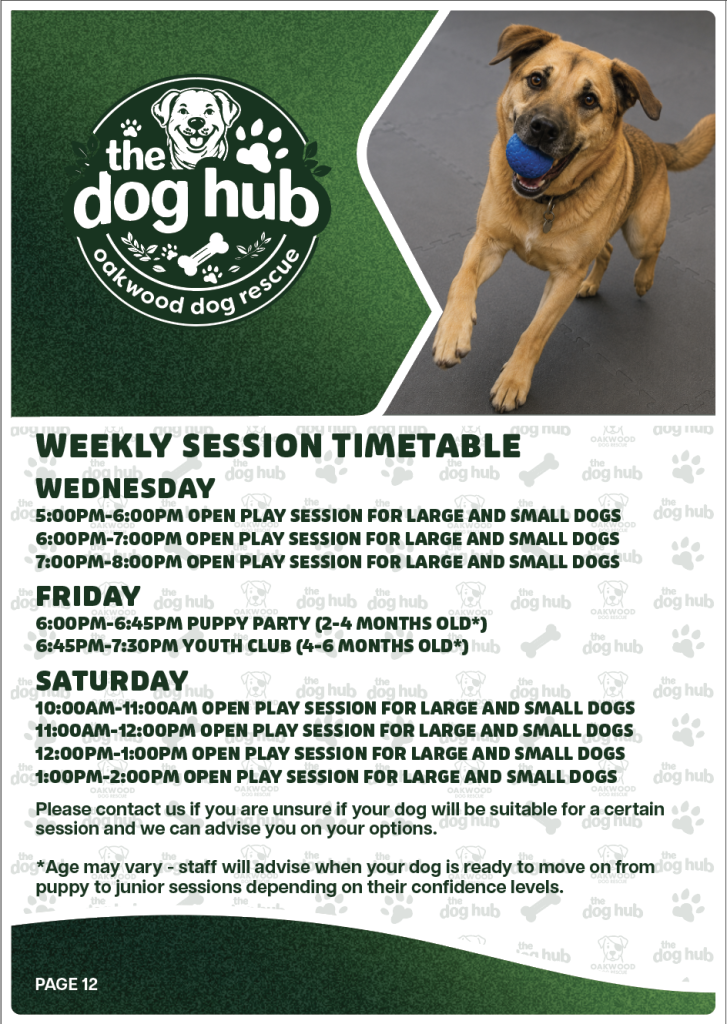
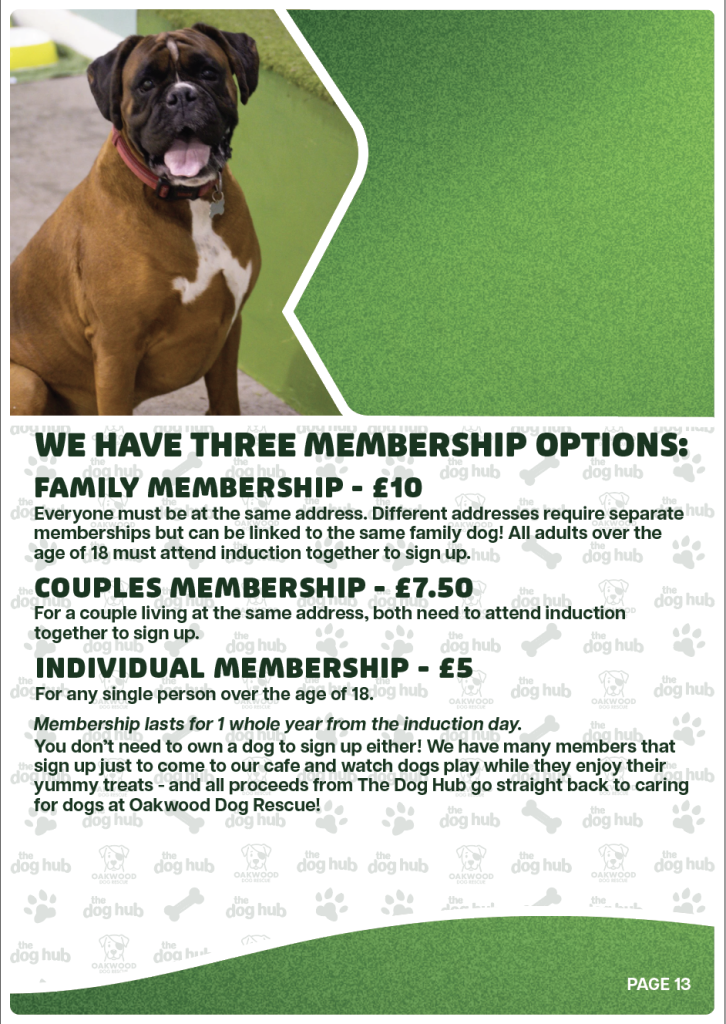
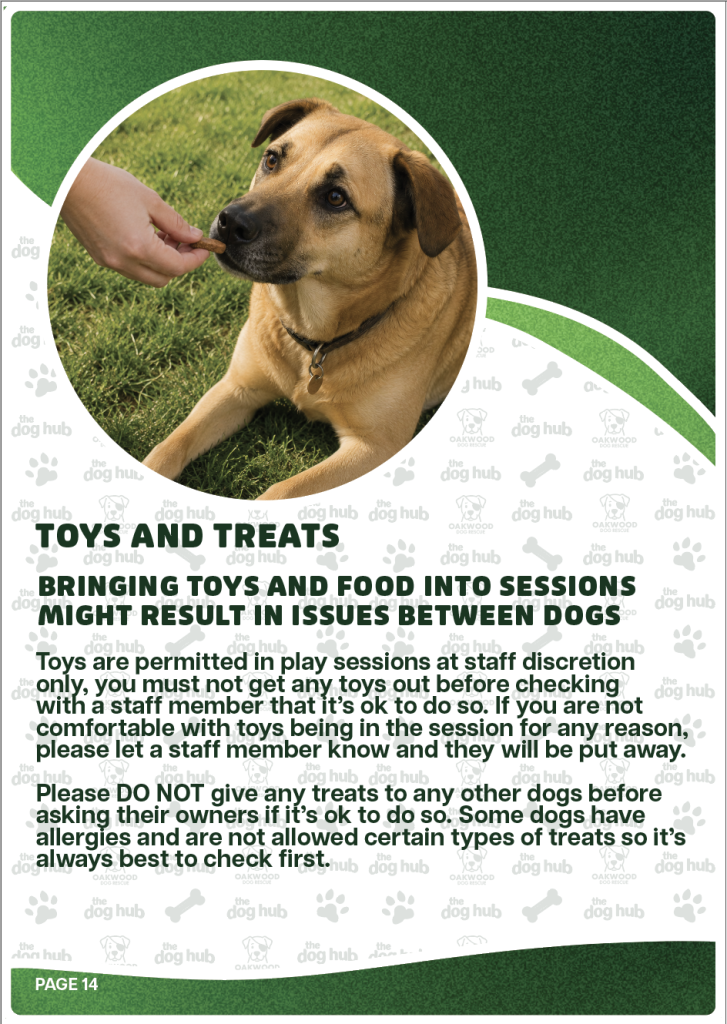
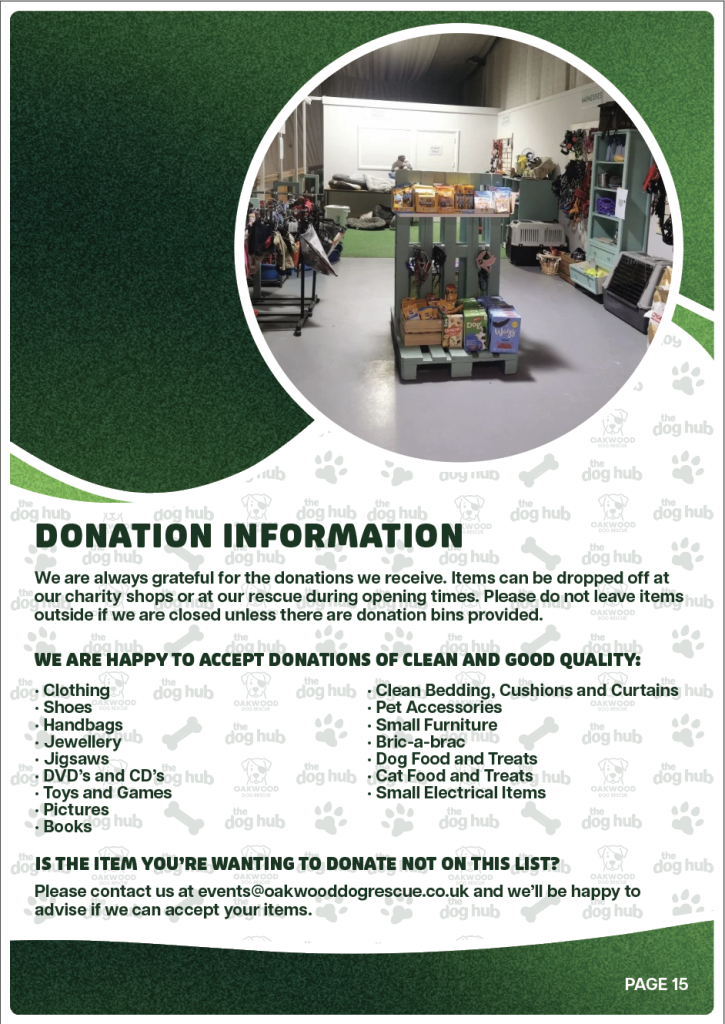
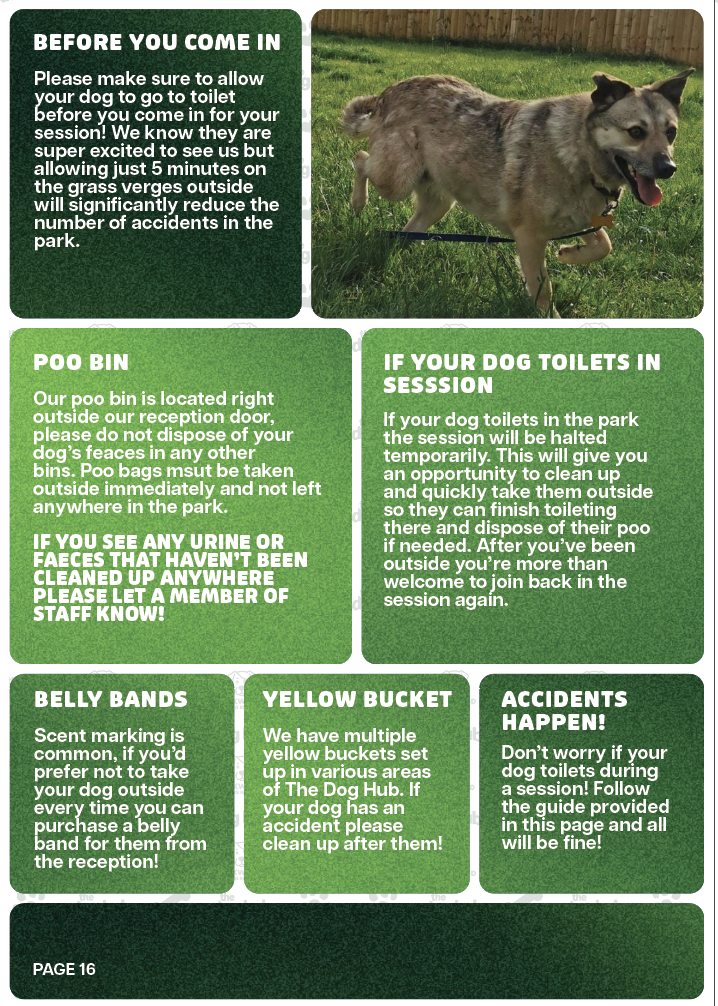
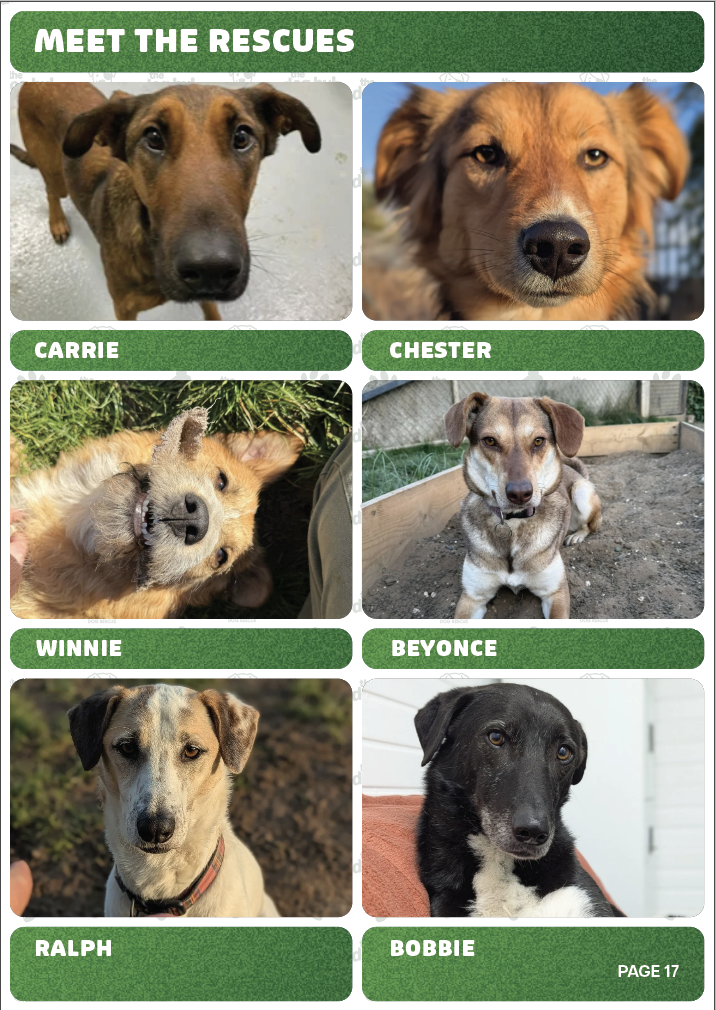
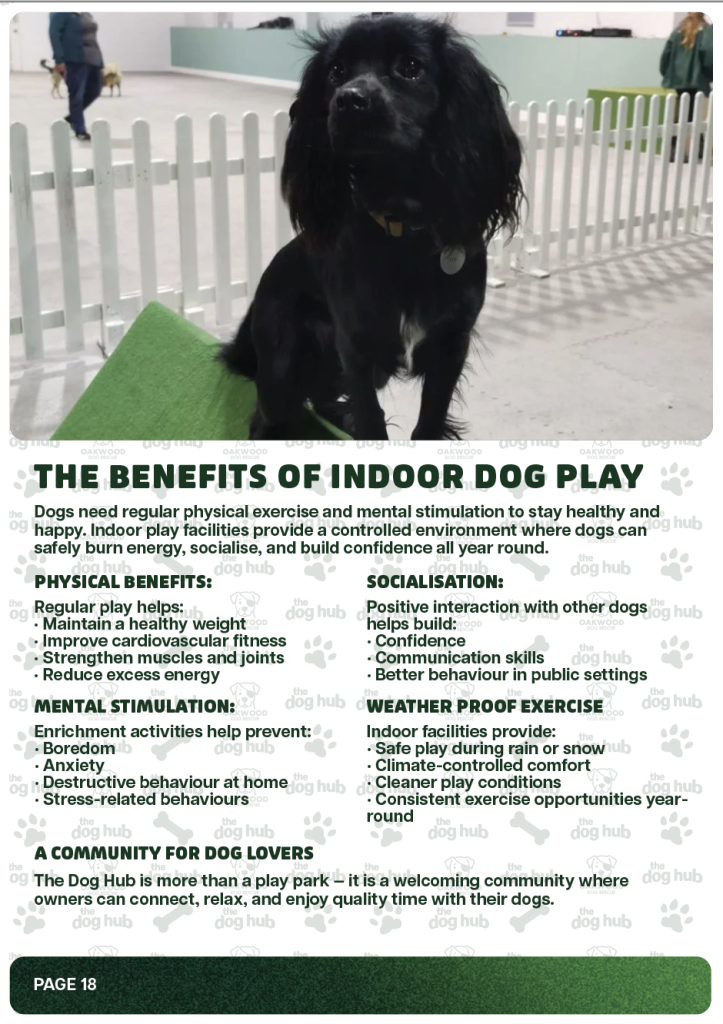
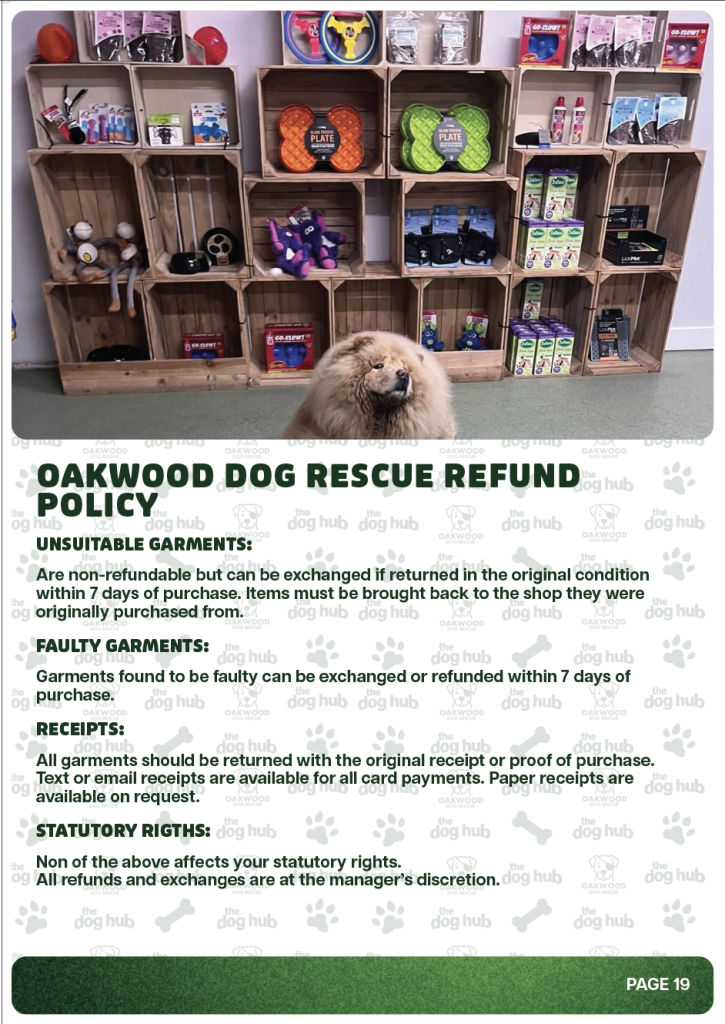
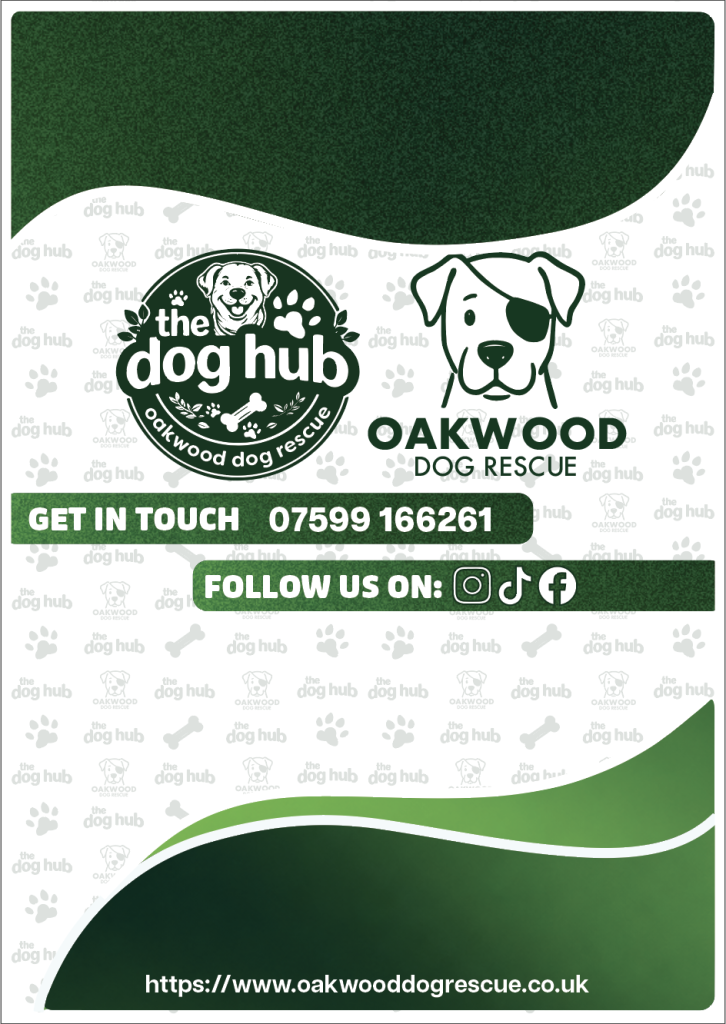
Above is a gallery showcasing every page designed for the information pack/ booklet, this is the main piece for the project. I feel this booklet does exactly what I set out to do for this project, it helps show off both companies, giving background information about each, what they do and stand for whilst also offering any extra details about the two charities. The booklet gives a customer any necessary context needed about the two companies and is designed in a way that is inviting and approachable with the bold and playful typeface chosen and the bright and eye catching coloured gradient I decided to use throughout.
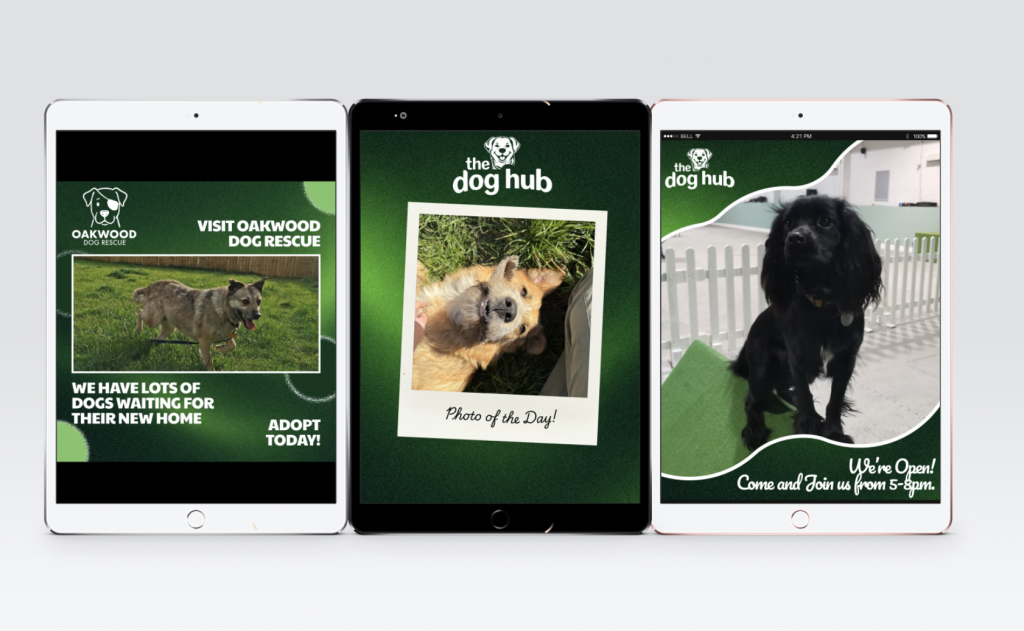
Above are some mockups for some social media posts that I created using Figma, I placed these onto some mockups of iPad screens to showcase how they would be typically viewed by a client. With these images I also showcased how The Dog Hub logo can be separated and used with just the text and imagery, which I again feel works well and what I wanted as it is bold, friendly and inviting with the friendly dog face been shown.
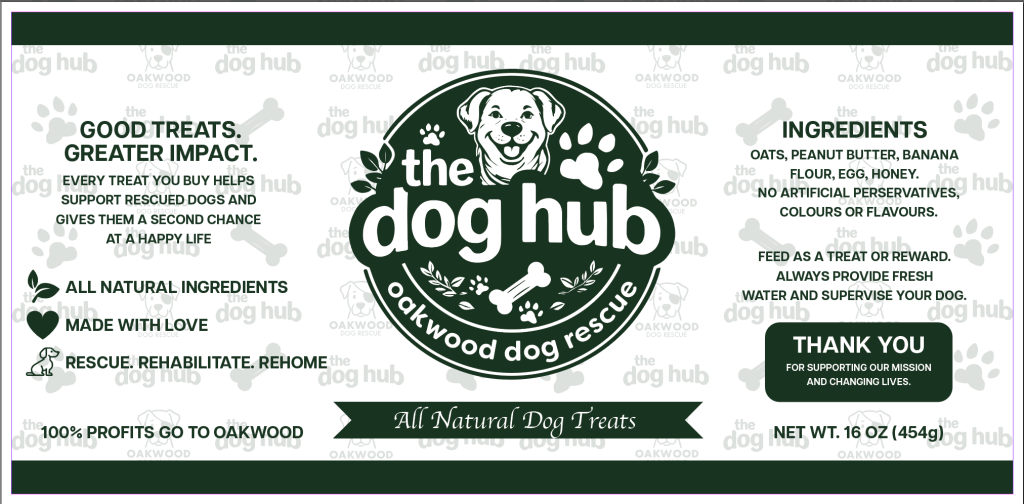
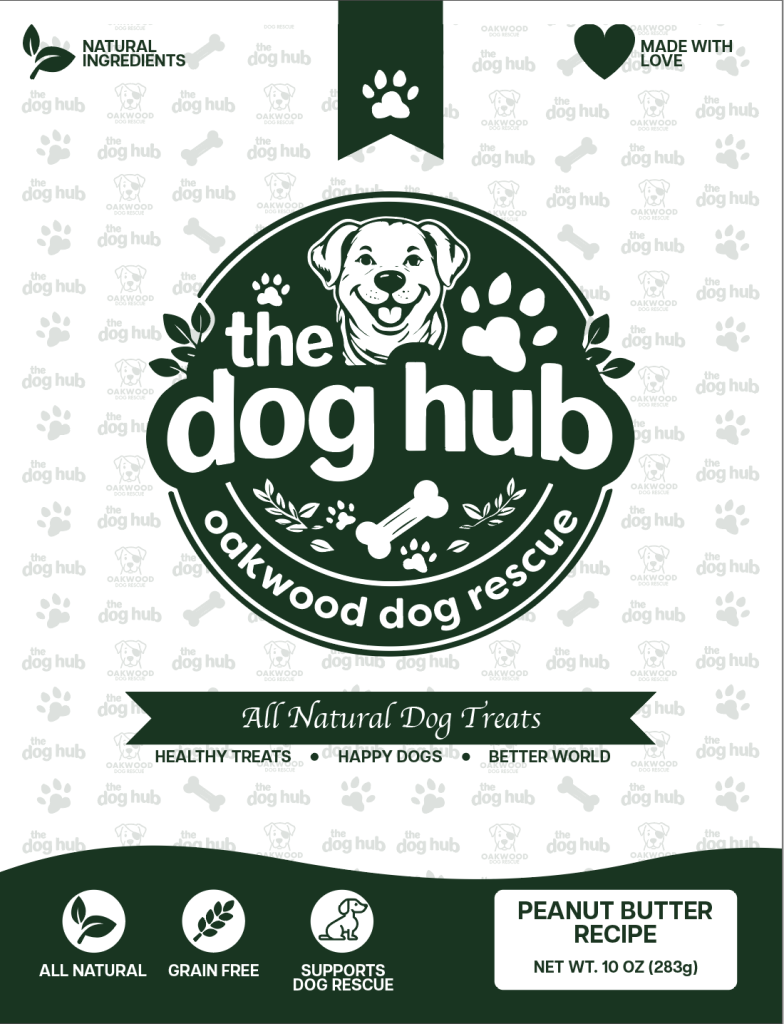
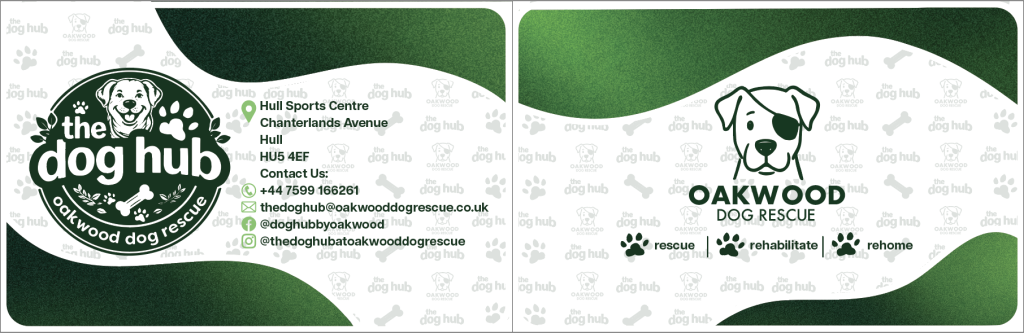
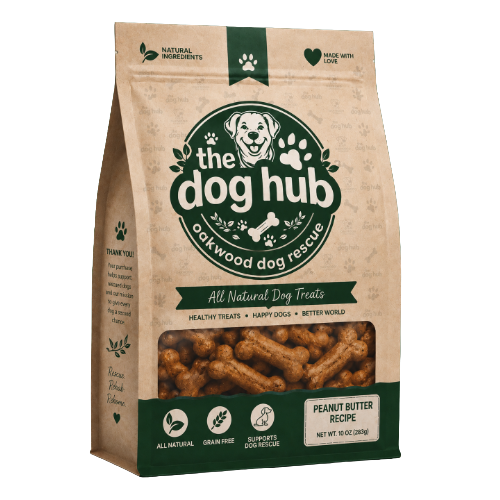
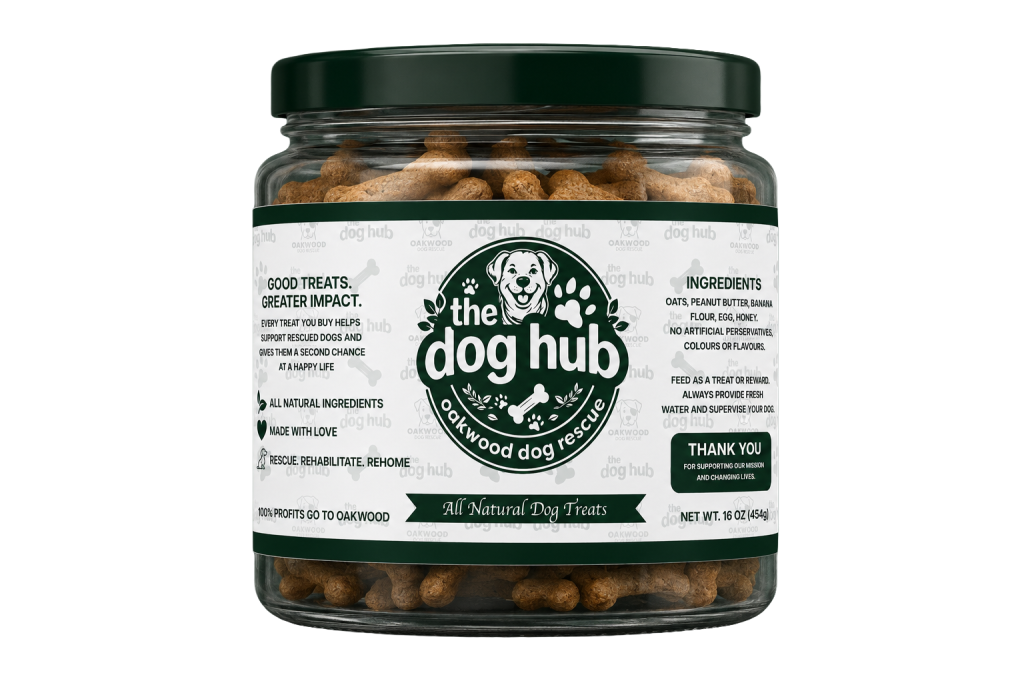
For this project I also deigned a range of packaging branding, I can’t upload the full detailed mockups due to WordPress’ file size limit but have tried to include as much as I possibly can with these restrictions.
To create these mockups I did make use of AI to place my design within a realistic mockup, one for the bag of treats design and the jar, entering the prompt of “place this design I created onto a realistic mockup” the design has not been made by AI at all I just used it as a tool to place my work on a realistic mockup.
Below is a link where you can do a virtual flick through the whole booklet which can also be something that is sent digitally to customers either through email marketing or social media accounts.
https://simplebooklet.com/thedoghubinformationpackcopy1
References
Fundraising resources and downloads (2026). RSPCA [Online] Available at:https://www.rspca.org.uk/getinvolved/fundraise/ideas/downloads
RSPCA Rebranded, but does the new website make use of the new look? (2026) Stuffandnonsense [Online] Available at:https://stuffandnonsense.co.uk/blog/rspca-rebranded-but-does-its-website-make-the-best-use-of-its-new-look
RSPCA entirely transformed in first brand facelift in 50 years (2026) itsnicethat [Online] Available at:https://www.itsnicethat.com/articles/jones-knowles-ritchie-rspca-graphic-design-project-110424