For this emerging technology assignment, my initial proposal I proposed wasn’t completely correct as I had mixed up and merged the idea of creating a VR/360 scene thinking they were the same thing however later learning they are not. Due to this my final production piece is a 360 degree scene as opposed to a VR scene.
Due to this change I had to adjust my plans for the scene and what I could and couldn’t include and the differences/ limits of a 360 scene compared to a full VR scene. My production piece is a 360 scene designed in blender that will walk the viewer through the dressing room of the Hull City Football Club through to the tunnel where the scene will end as they reach the pitch. The concept of this piece is to give the viewer an insight of what a Hull City player will go through before they begin the match on a match day.
To begin I researched and looked into any examples of sport related 360 videos I could find and to see if I could find anything similar to what I’m creating for some form of idea inspiration. However, to my surprise the closet thing that I could find were 360 views of things such as goal highlights and just a basic look around the pitch. With the closest and most relatable scene I could find been the video below.
I did find a few fan posted videos of a tour they went on which they then posted as a 360 scene, however nothing that had been modelled and rendered like I will be doing. Finding out that what I was creating is something that has been rarely done I wanted to make the scene even more unique which I then remembered about a tour of the Hull City stadium I went on earlier in the year. I thought of the idea of creating a 360 scene that would guide the viewer through the scene with a voiceover that would talk and guide the viewer through the scene throughout as they progressed through the scene, this is something that would give the scene more sense of purpose as it would make it more like a virtual tour. This is something that I decided to look into as it is something that would make my scene more unique and doing this would also keep the viewer from getting bored in the scene as a basic scene playing with something such as music in the background can cause the viewer to lose attention or not focus on the right areas in the scene. Adding a voiceover will also alert the viewer and give them more of a general idea of where to look around in the scene. For the voiceover I decided to make use of AI and use an AI voiceover for the narration of the scene. Also, the addition of this VoiceOver will also add further accessibility to the scene as when watched on YouTube subtitles will be able to be turned on which can be used by people who prefer that or may be deaf for example.
As my scene will be based off the Hull City changing rooms I decided to research and gather as much visual information I could as I wanted to model the scene as close to the real thing I could get so that it feels authentic. I did this by gathering as much images of the changing rooms, corridors and other rooms and also watched a number of fan uploaded videos to YouTube where they have recorded their tour to help best build my scene as close to a 1:1 it can be.
For this project I followed the trello board plan that I initially created in the proposal with the above mentioned been the first steps I took to starting off the production piece.
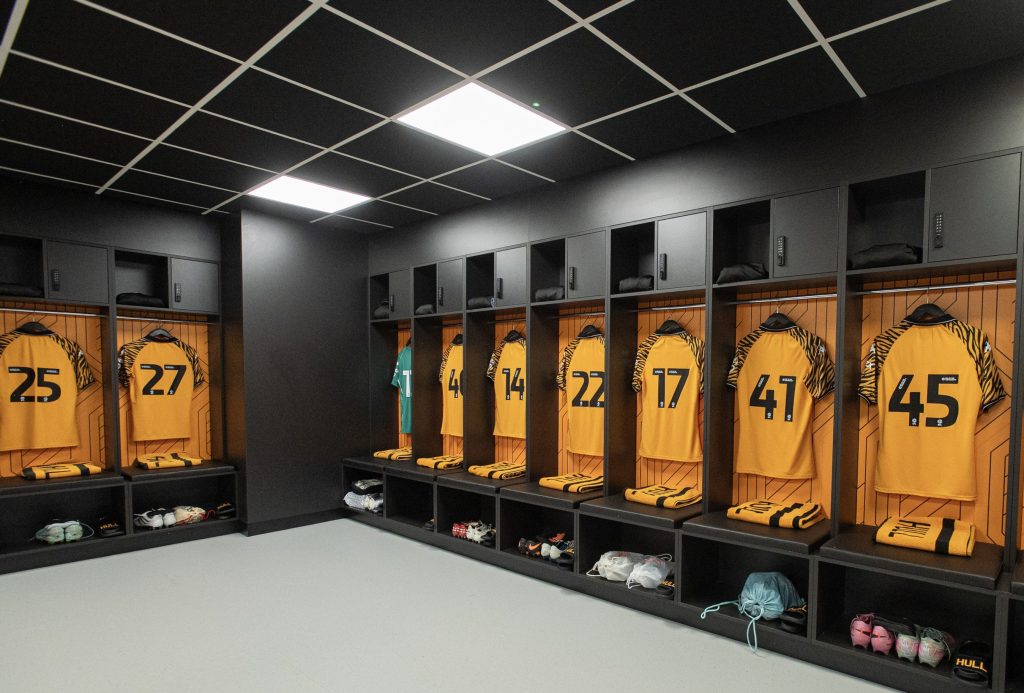
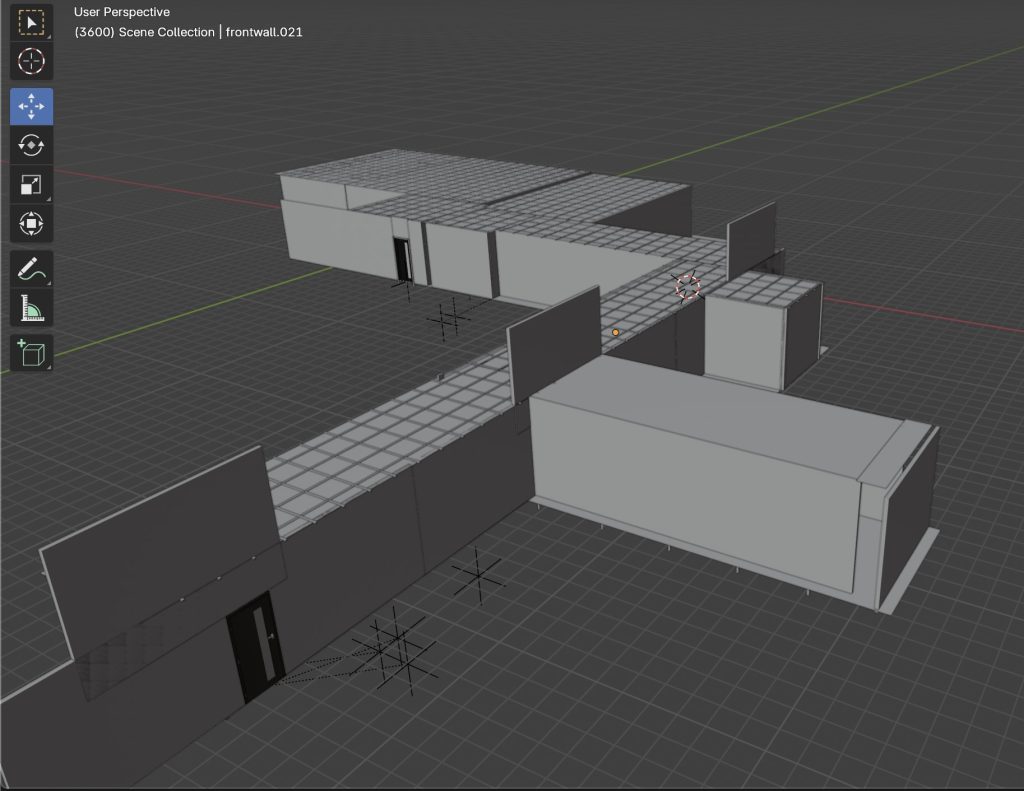
The next stage i took was beginning the scene and getting the Blender scene prepared for 360 use and implementing the needed render settings so that the scene can be viewed in 360. Once I had all the correct settings in place I began the modelling of the scene starting with the locker room where I used the images and videos that I had found and tried to piece them together the best I could in order to create as close to an accurate representation of what they would look like in real life. This part of the modelling is what took me the longest as I had to go back and make numerous adjustments to the scene, to begin with I had to adjust the scale of the scene as in my first model when I viewed the scene in the camera the scene was far too small. I also widened the scene by including more lockers to make the room slightly bigger so that the user experience is more pleasant as this will avoid any feeling of been too cramped and claustrophobia.
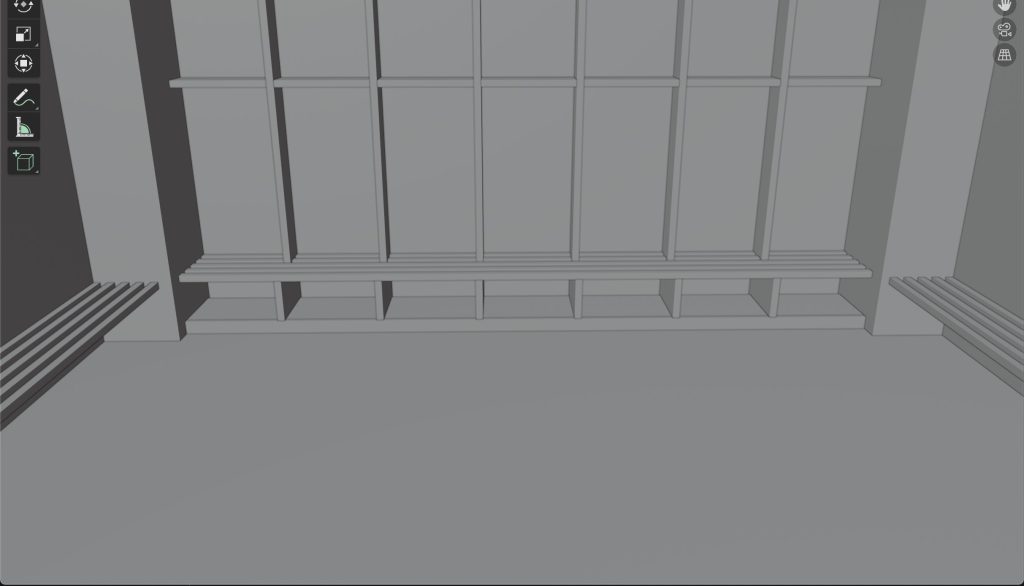
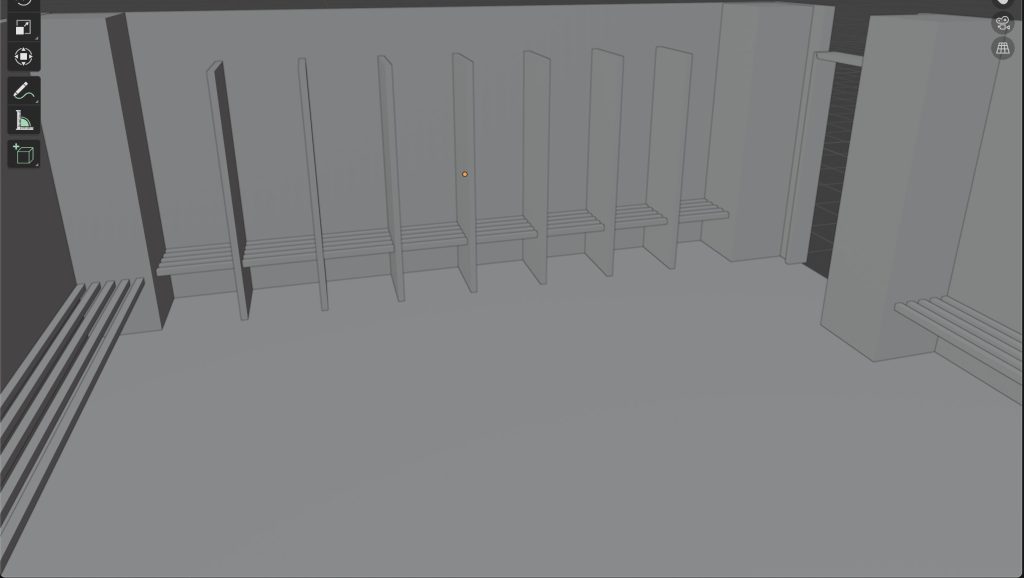
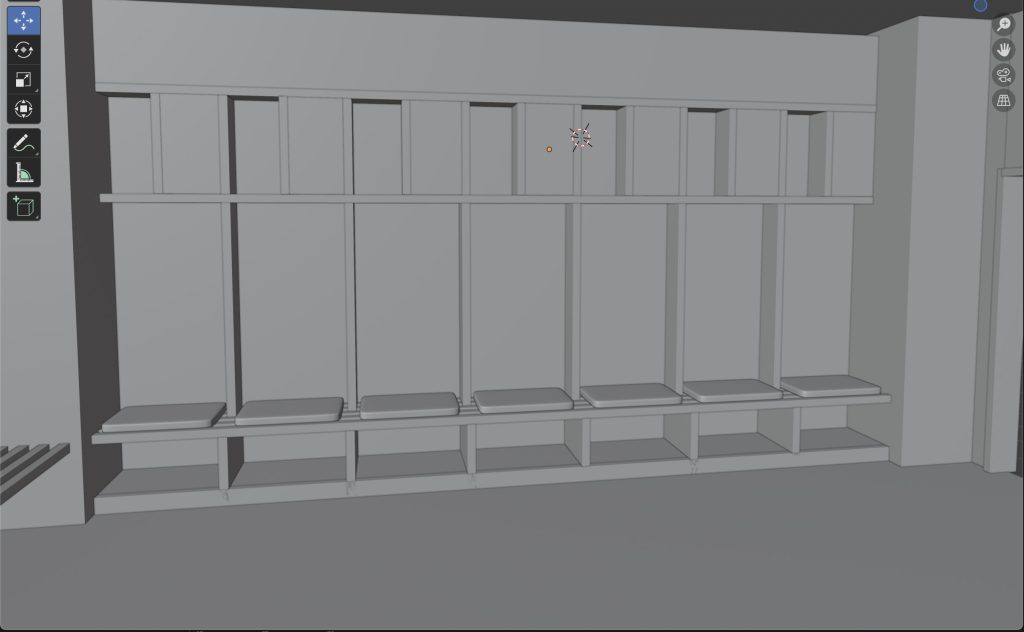
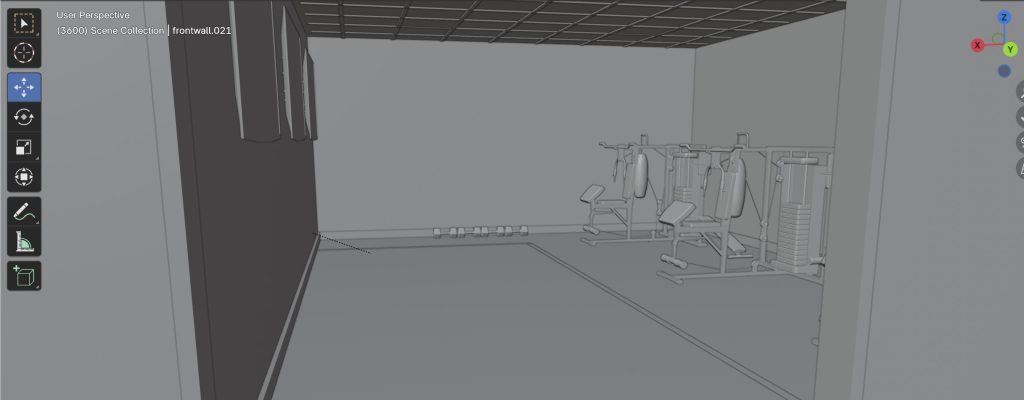
Once I was happy with the final look of the finished locker rooms I then moved onto modelling the connecting rooms starting with the shower room, this room I didnt focus too much attention on as I felt it wasn’t something the viewer would necessarily be too eager to see. I then modelled the gym room and the connecting corridors which then would lead into the tunnel and to the final view of the pitch.
Something that I used to help me with the modelling and to add life to my scene was the blenderkit extension that you can enable and add to blender. This addon adds a community library where you can add models, textures full scenes and so on to your blender project. I didn’t rely too heavily on this addon however as i didn’t want to incorporate too much of other peoples work to the scene to the point where it made the scene made up more of other peoples models compared to my own. With this addon I added more complex models to the scene that I felt were out of my skill range to create myself such as the gym equipment, the football shirts around the locker room and boots and the TV’s, I have referenced and added links to all the models i used within my scene at the bottom of this blog post. These models helped enhance my scene drastically as it added an extra layer of detail to my piece, making not look so empty which can add to the user experience again as it also gives them more to look for and avoids any boredom or sense of repetitiveness if it were just a number of empty rooms.
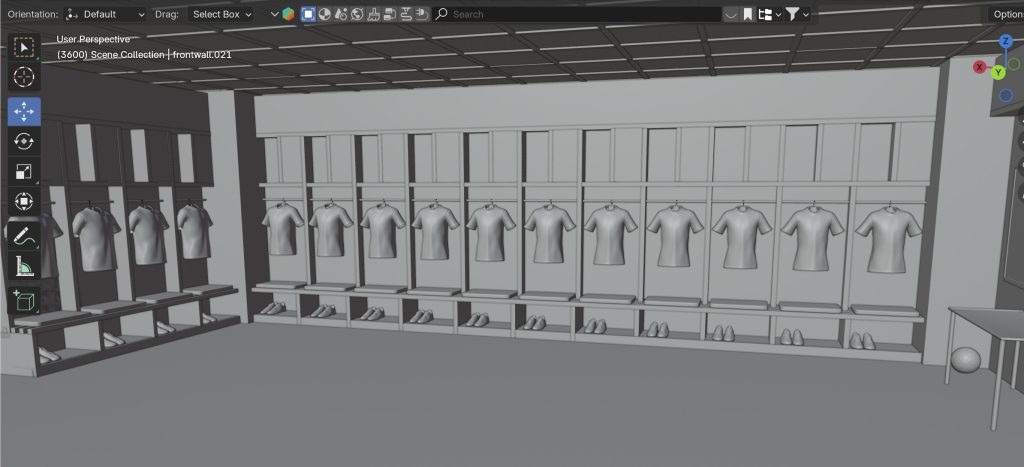
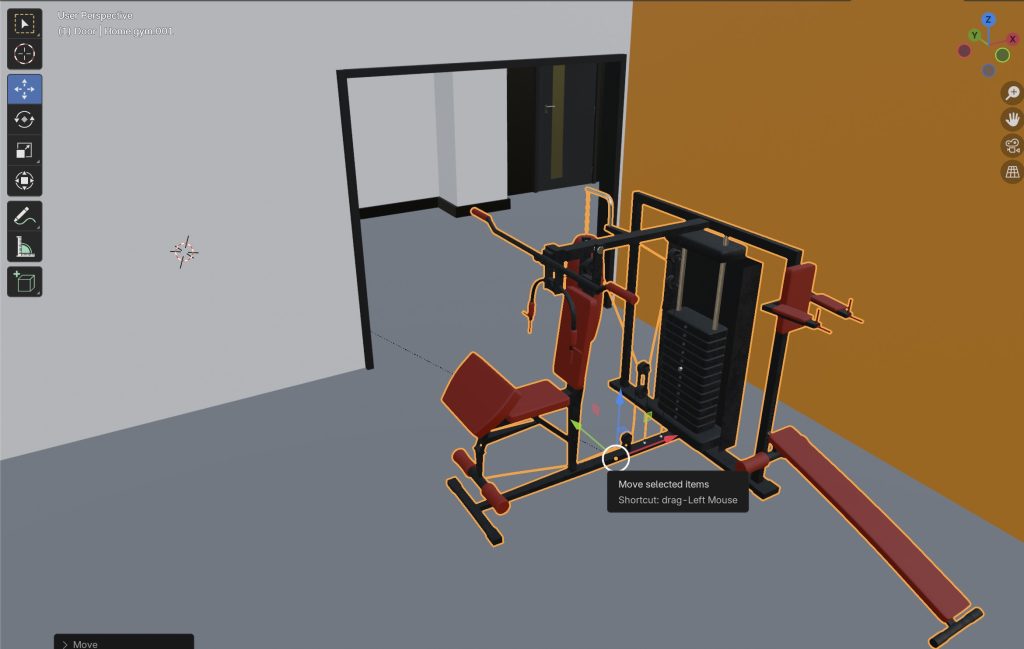
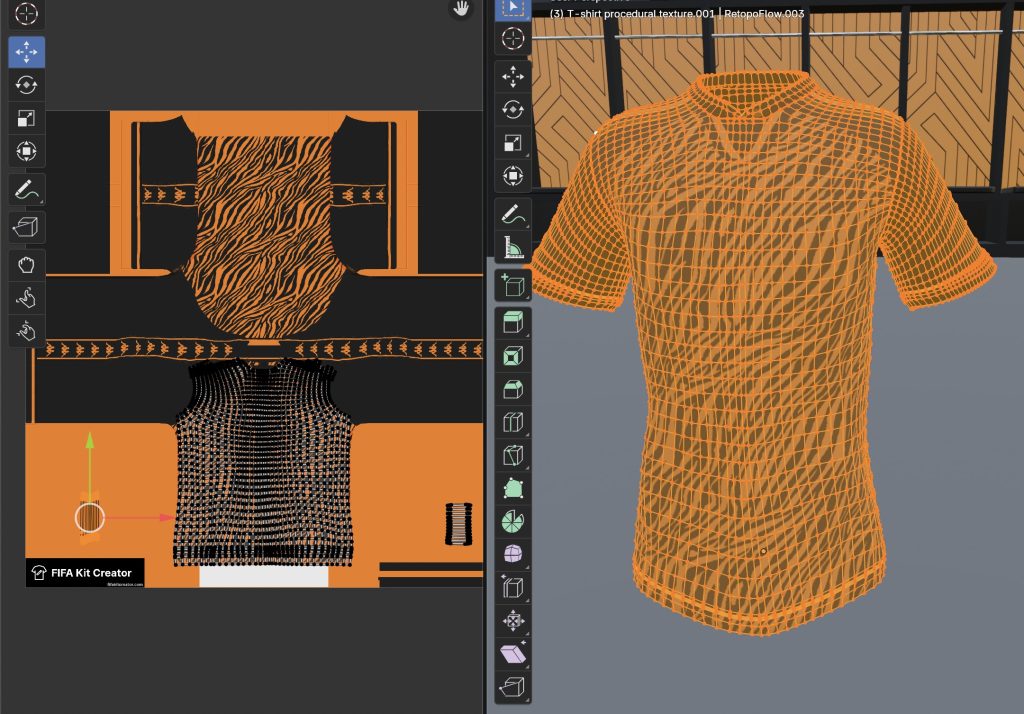
Once I had the whole scene modelled and planned out I then moved onto colouring the scene and applying textures as quite a lot of the walls in the real life corridors are just plain white all I had to do to those was apply a base white colour. However, for the rest I designed a lot of the patterns and textures in Adobe Illustrator which I then imported into blender and applied them to my models by UV unwrapping them and positioning the wrap as needed. This is something again I took inspiration from the real life dressing rooms and tried to replicate the look the best I could to the real thing. I also added lighting in the ceiling of the scene using an emission texture to ensure the scene is well lit for the viewer as I wanted to avoid the scene been too dark as this may cause stress for the viewer. Another thing I created was my own football kit. I wanted to avoid including any official branding and sponsorships in the scene and so created my own template of a football shirt which has simple tiger stripes throughout, which also makes the scene more timeless as if i included a kit from either this season or previous it would eventually become outdated and would need updating so doing this avoids that.


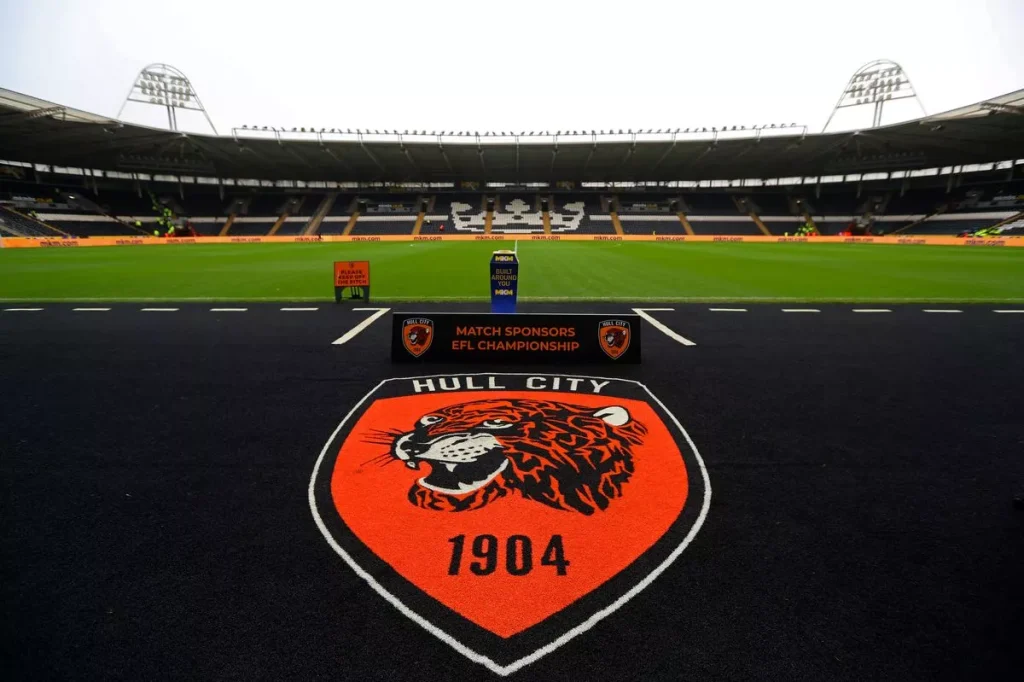
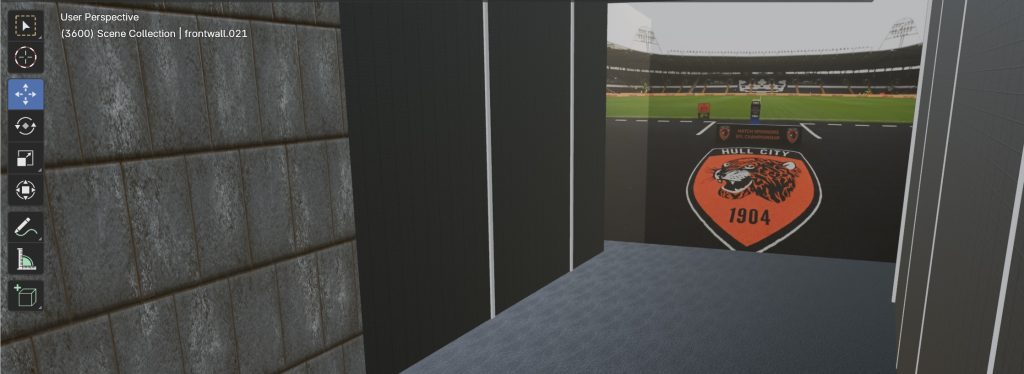
At the end of the scene as you reach the end of the tunnel you would see the stadium and pitch. This is something that would have been way over my skillset to design to a good standard, and also just wouldn’t of had the time to model and then render into the scene and so I had the idea of placing the image below onto a block and putting it at the end of the tunnel so it still looks as though your walking out to it.
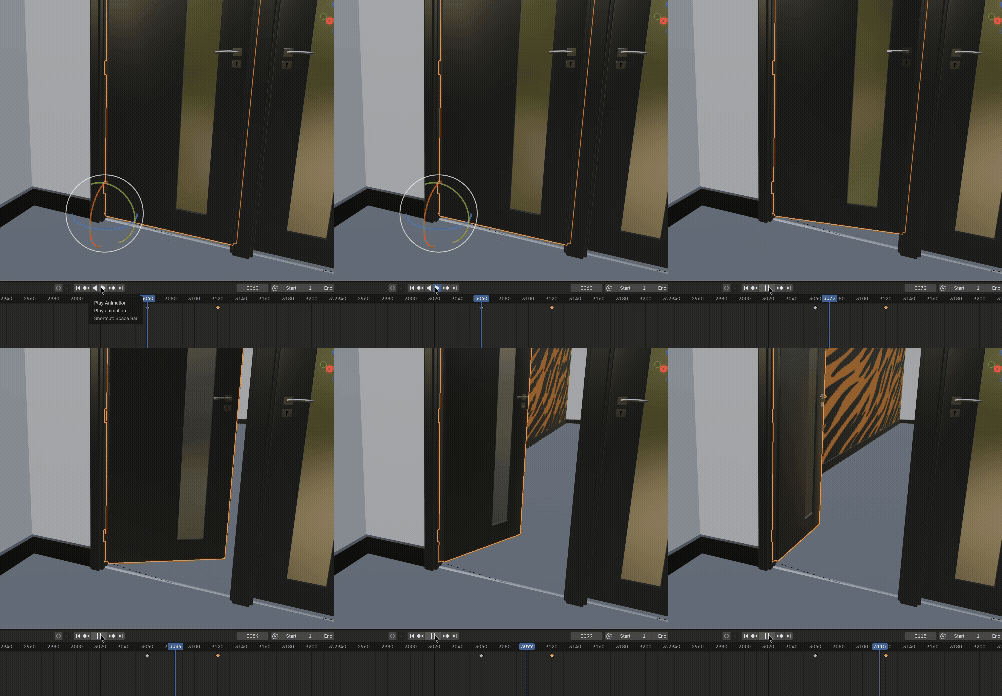
The final stage of the scene was the key framing and the animation of the scene, as mentioned earlier I looked at some other football related 360 scenes, the Real Madrid scene in particular I found to be too fast paced at some stages and the movement was too rapid. This is something I wanted to avoid within my 360 scene as it can cause a lot of issues for the viewer such as dizziness, nausea and so on. To avoid anything like this within my scene i key framed the camera to move in roughly 1 meter segments over a duration of 2 seconds/ 60 frames each time doing this created a consistent slow paced movement throughout the scene. Doing this slower movement also allows the viewer to have more time looking around in the 360 view at each stage of the scene. I also key framed and animated the doors when the viewer approaches them so that they open which adds an extra layer of detail to the animation. As this scene is also a 360 scene as opposed to a full VR scene this is also more beneficial as in this type of scene the viewer can not move around in the scene which makes it more accessible to a wider range of people as this means it can be viewed stationary sat down and so on. Also this way it can still be viewed using a VR just in a stationary fashion but will lack the interactivity.

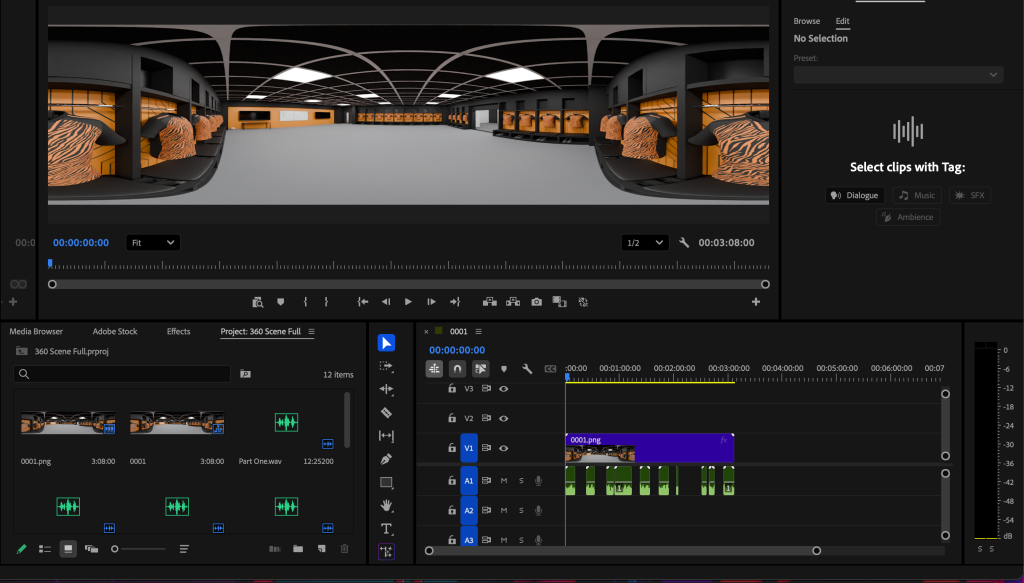
Once I had everything modelled, textured and key framed the final step to take was to render the finished scene and import into premier pro and add in the AI voiceover lines i created to the correct time. This is where I struggled a bit with the scene as the finished render took over 24 hours to render with the quality preset chosen which was 1280px by 640px and whilst the rendered images looked clear once I had imported the render image sequence into premier pro and uploaded to YouTube I was let down by the quality of the video in the 360 view. The scene in parts is quite a bit blurry and when trying to correct or improve the render quality the Render time was over 3x larger and is something I didn’t have the device power to do.
A future trend and possibility of this type of work is something that could be created in a much larger scale and more detailed, as clubs and companies could render much more detailed scenes than I can and create larger models creating a full 360 tour of a stadium as opposed to just a small section like I have created.
Site used for AI VoiceOver: https://notegpt.io/text-to-speech
Image of the pitch: https://www.hulldailymail.co.uk/sport/football/football-news/hull-city-mkm-stadium-investment-9736810
Changing room image: https://www.wearehullcity.co.uk/news/2025/august/09/squad-numbers-2025-26
Models used from blender kit:
Football boots:https://www.blenderkit.com/get-blenderkit/347a0779-0d1b-4d0f-80d9-b464c8b2c916/
TV:https://www.blenderkit.com/get-blenderkit/1e825c5a-75d7-4790-bd49-500724b7d535/
Shirt:https://www.blenderkit.com/get-blenderkit/49f901a2-a556-4dcd-8a72-63afedae4618/
Gym equipment:https://www.blenderkit.com/get-blenderkit/13e21f4f-e42b-4d25-8455-6dd2d4d9893e/