For the 360 content I decided to use Blender as I am more familiar with the software and just find it a lot more user friendly in comparison to Maya. To begin with I began following the first basic instructions setting up the camera and preparing/ configuring the scene for 360 rendering.
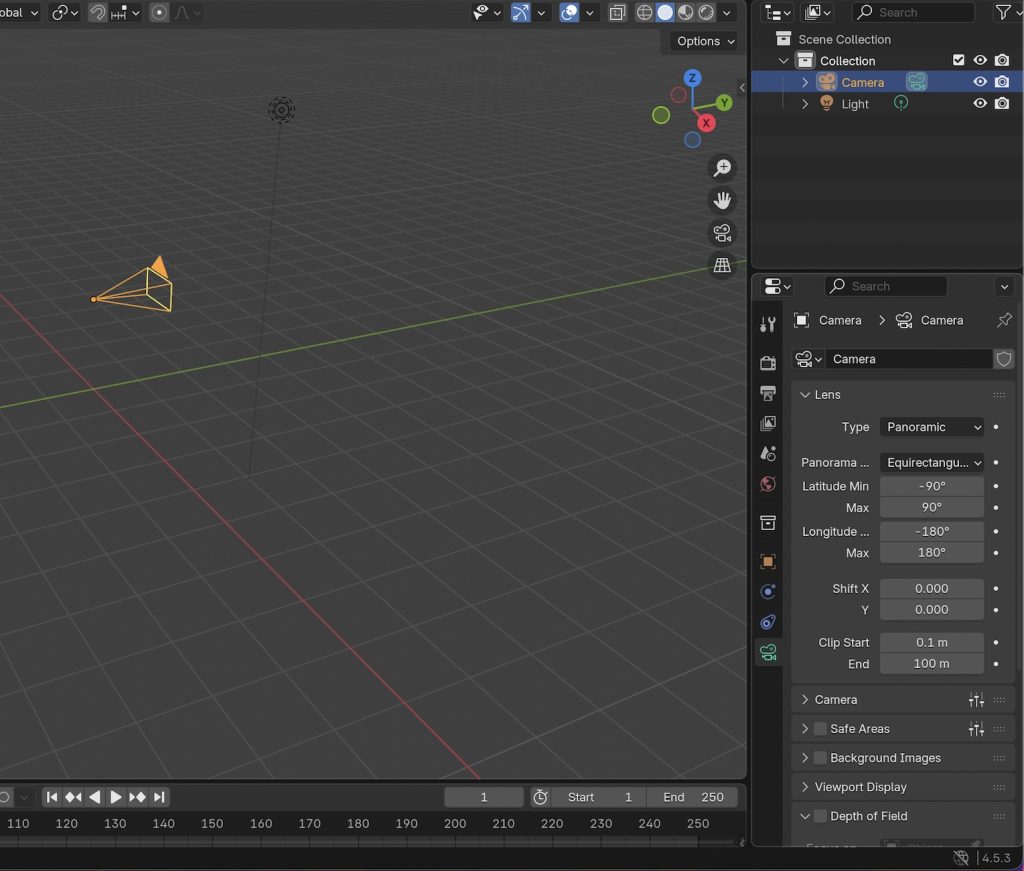
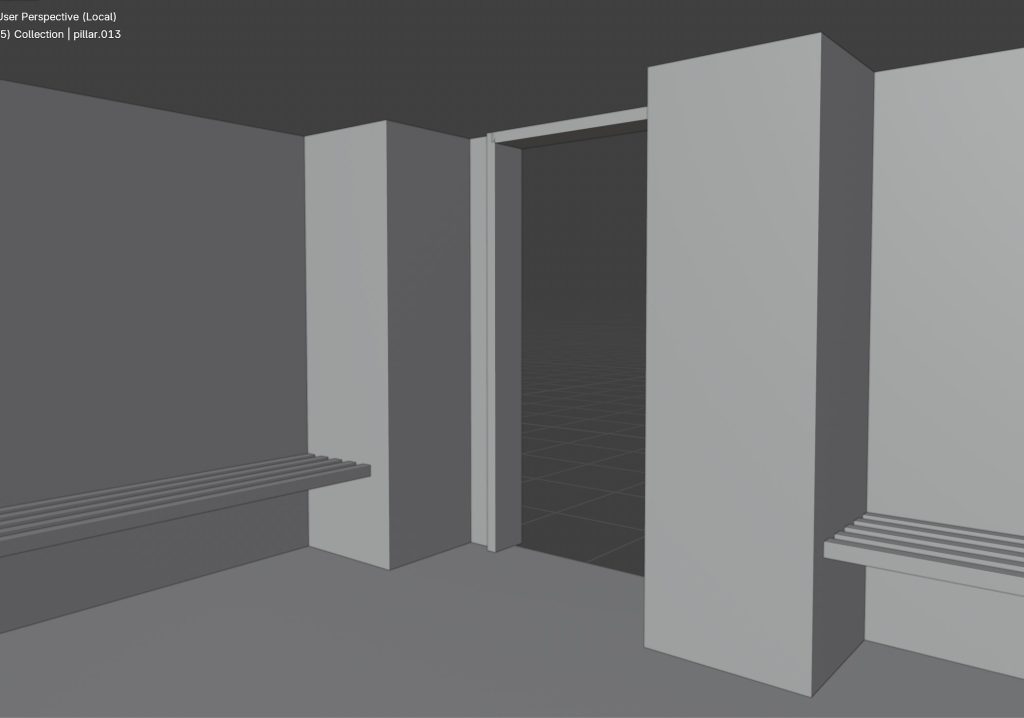
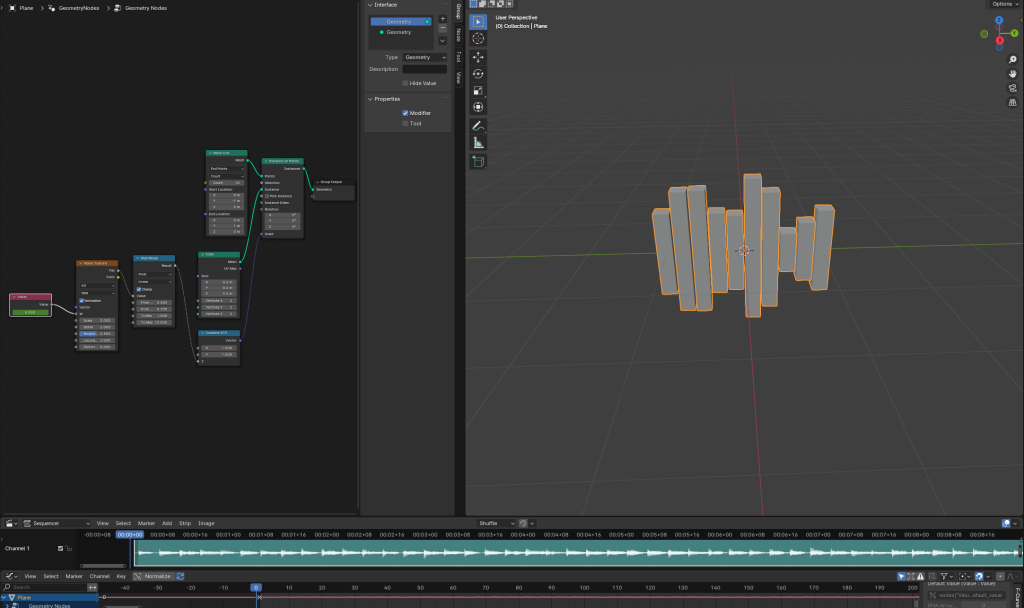
Once I had the camera and scene prepared I began creating the beginning of a scene in a football club dressing room. When creating the scene I thought about the user experience thinking about space, light, sound and colour. I began by making sure my scene was scaled correctly and not too compact or cramped and make it as close to as possible as it would if you were stood in a dressing room in real life, a 1:1 scale, I did this by changing my viewpoint to the camera set up and looking around the room. When it comes to lighting my plan is to place a few lights in the ceiling of the scene so that the scene is well lit for the user so its not too dark, avoiding any discomfort or stress. When it came to sound I haven’t yet added any to my custom scene but for this scene I could include the sounds you would hear in a football dressing room when in a stadium full of fans, I would include a sort of muffled loud rumble from the crowd to make it feel as authentic as possible. I did however play about with sound in the example scene playing with Blenders Geometry Nodes, this is something that could also be used within my custom scene as for example I could have music playing in the background and have the music bars on the wall to add an extra layer of depth and interactivity within the scene. When it comes to involving colour within the scene my plan would be to use bright colours so that its not too difficult for the user to see and also contrasting colours so that it is easy to separate each component of the scene making the user experience more friendly and easy to differentiate each part of the scene so the user wouldn’t be confused as to what they’re looking at or meant to do.
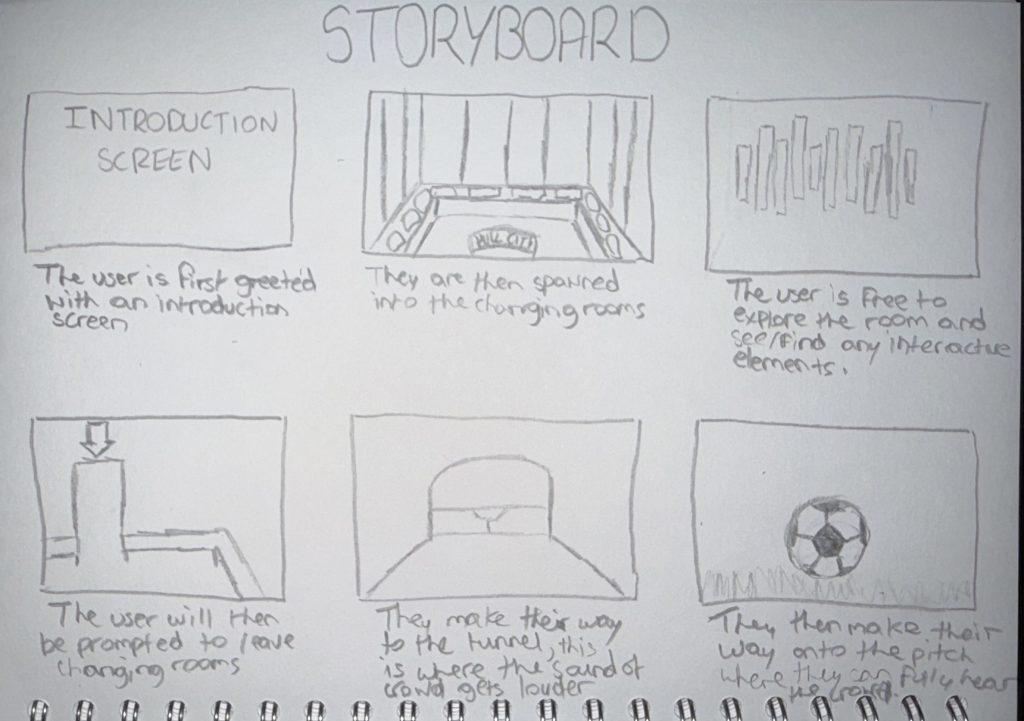
The example I have created could be further developed into an immersive film where the user would act as one of the football players preparing for a match taking them through the steps a player would take getting ready for the game. This would then progress to them walking through into the tunnel and then onto the pitch in the centre of the stadium. Below is a storyboard of how the scene could play out.
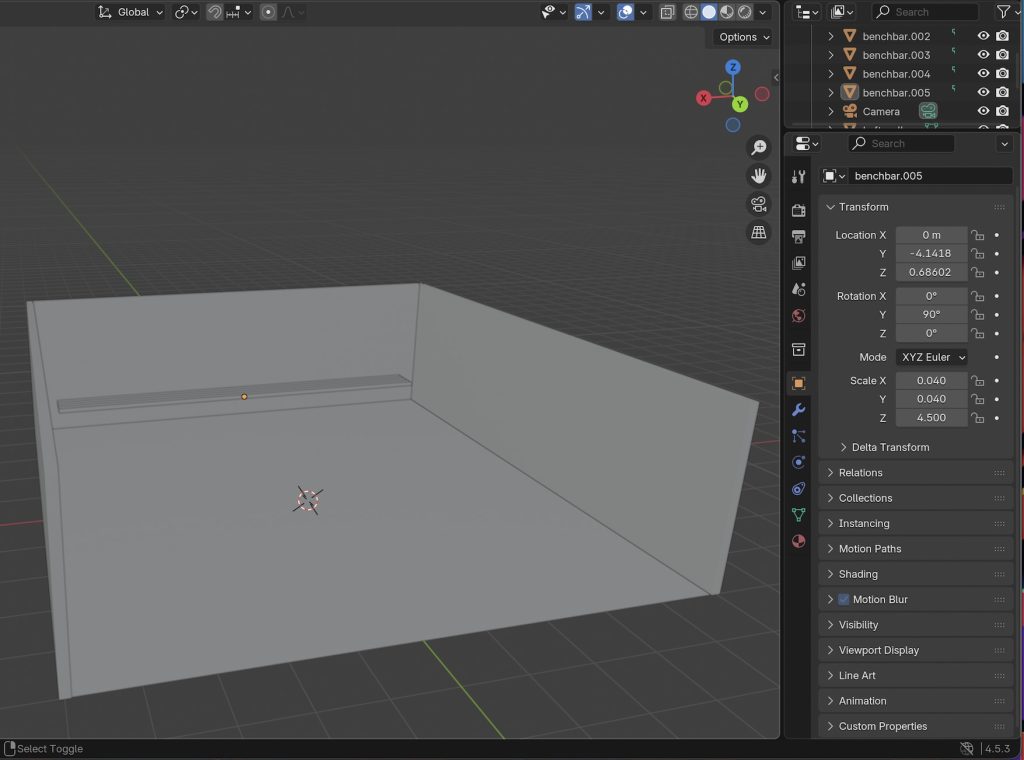
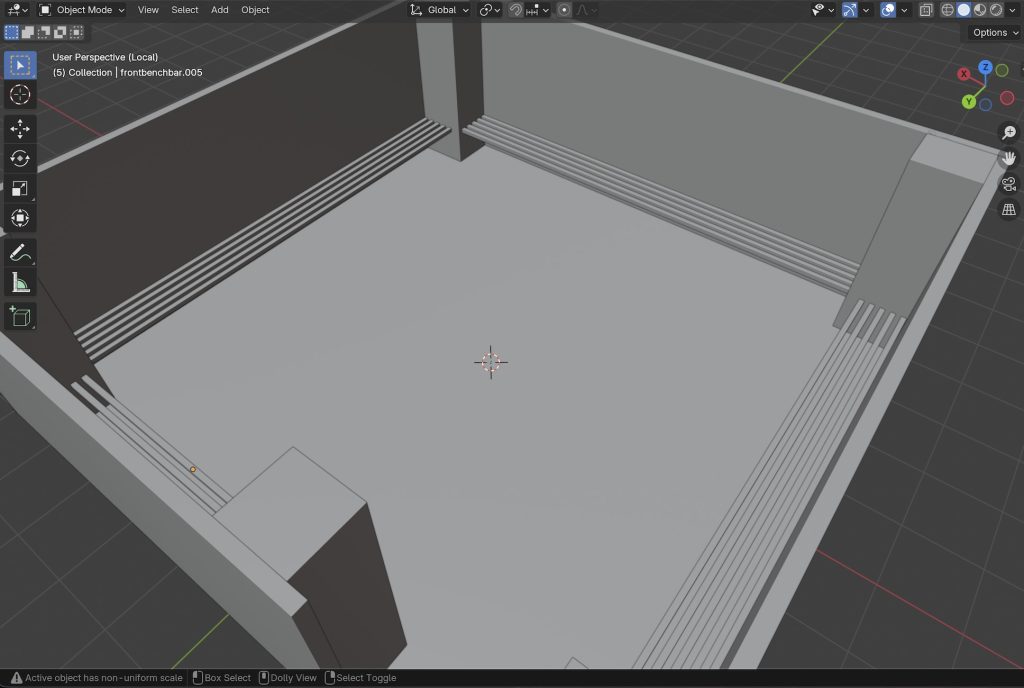
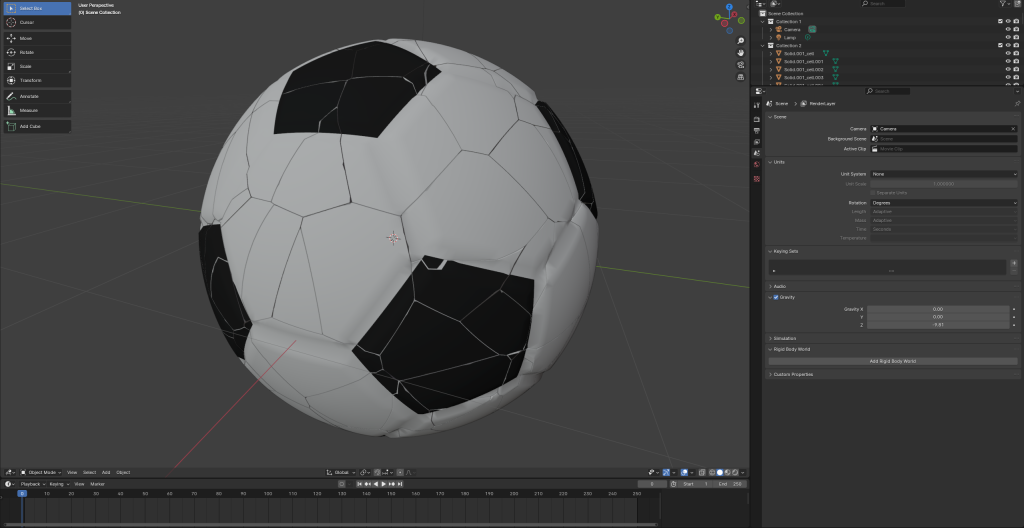

Another thing I experimented with within blender was the use of Cell Fracture which was again used using geometry nodes, I experimented with this using a 3D model of a football as this is something that could be used for my production piece to add an extra layer of detail and interaction in my scene.
Frame VR
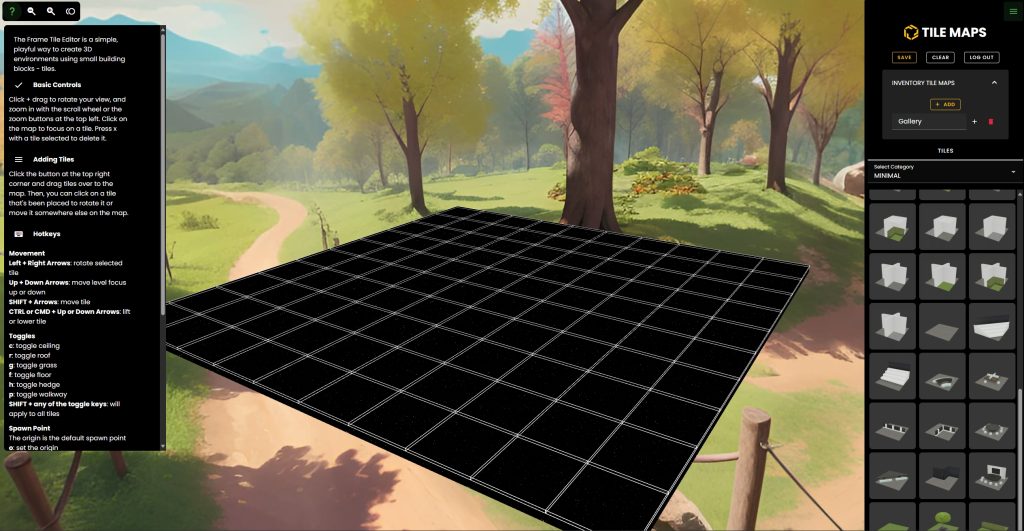
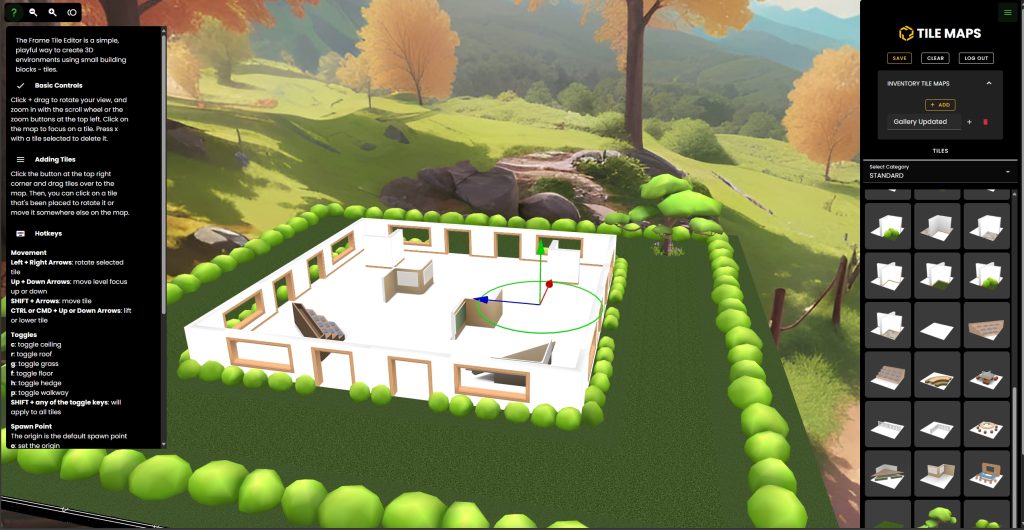
When it came to using Frame VR my idea was to create a scene that would showcase my work in the world of VR, I visited each of the standard scenes and also saw that you can create your own environment using tile maps and so I created my own environment. The idea of the scene was to create a room/ gallery that shows off some of my past work. My aim was to create a basic room to showcase my work without having too many obstacles that the user could walk into by accident so that it is easier to walk around and view my work as the controls on the web based site when walking around aren’t the best in my opinion. This scene I created also has a white colour all around which creates a nice contrast against my work making easier to see and view for the user and is well lit and bright again making a more user friendly experience as its not too dull or dark for them.
Reference:
Memphis- Trap (ND), Memphis Trap WAV. Available Online:https://pixabay.com/music/beats-memphis-trap-wav-349366/