When it came to trying out VR art I decided to use Open Brush using my personal quest 3 at home.
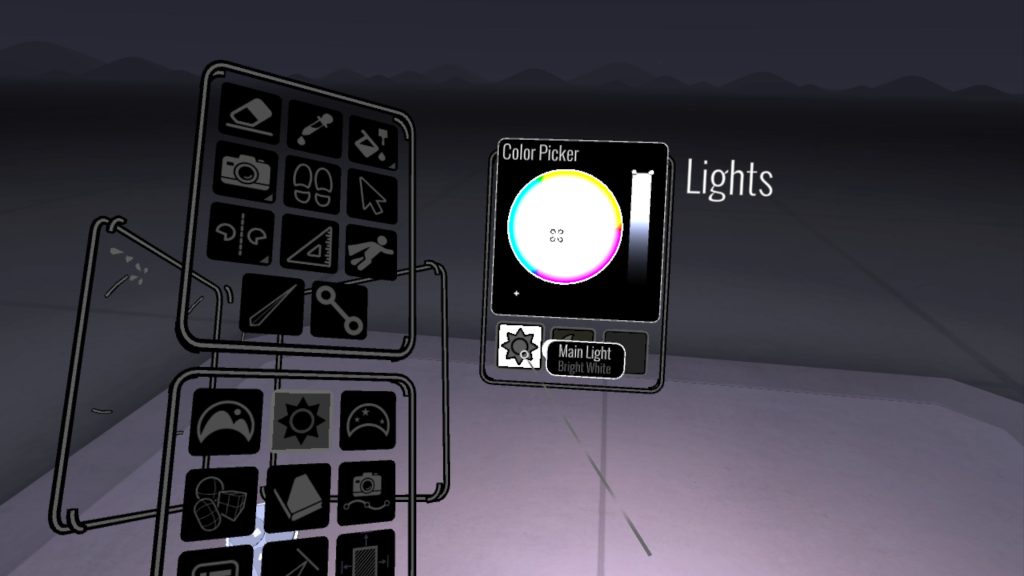
When I entered the app the first thing I played around with was the environments given and decided on using the basic white environment as I felt this was the best scene to be able to see what I was actually creating. I played around with the lighting within the scene to a more brighter white light as I felt the standard lighting was too dark and difficult to see. To begin with my emotion when using the app was more of frustration as once you download and enter the app there isn’t any real tutorial or introduction as to how to use the app and navigate around and is something your left to mess around with and figure out on your own. One major thing I found difficult and surprising was the lack of ability to be able to turn the camera without having the actually turn in real life, as in my case when I was using the app originally I was stationary and sat down and so had to stand up and actually move around. However once I had learned and tested each of the controls on the left hand controller I learned you can just use the select tool and grab and rotate your creation.
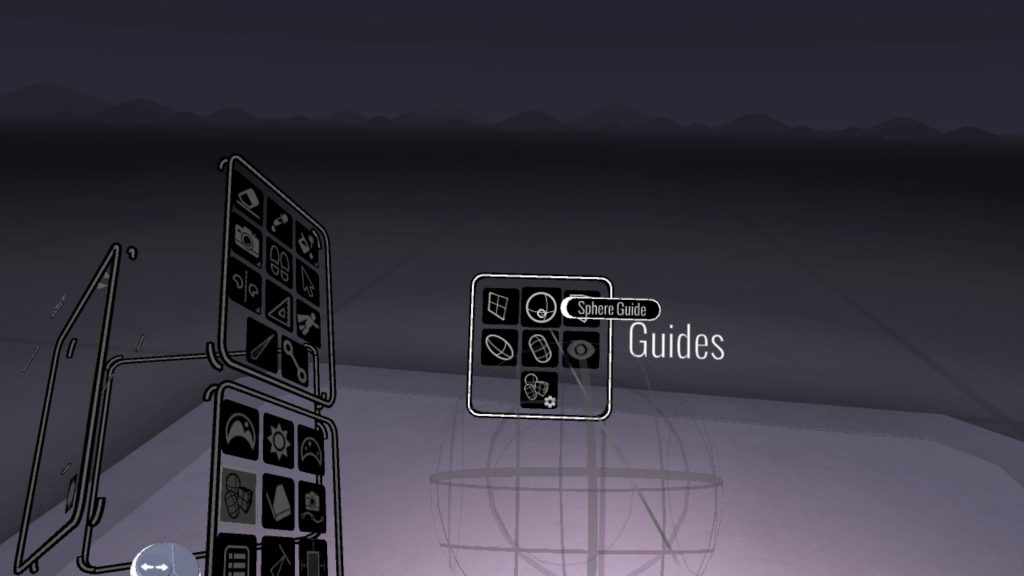
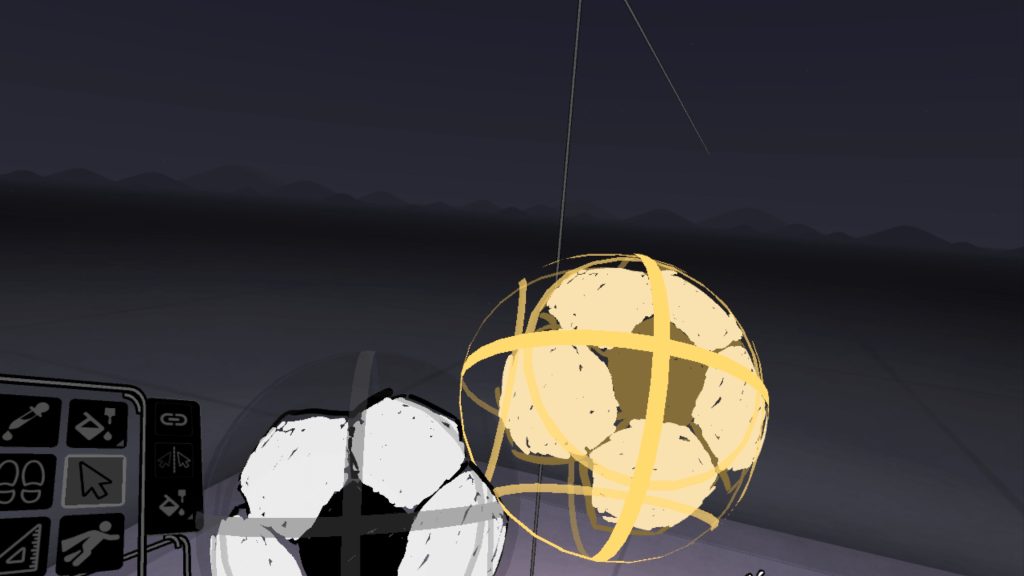
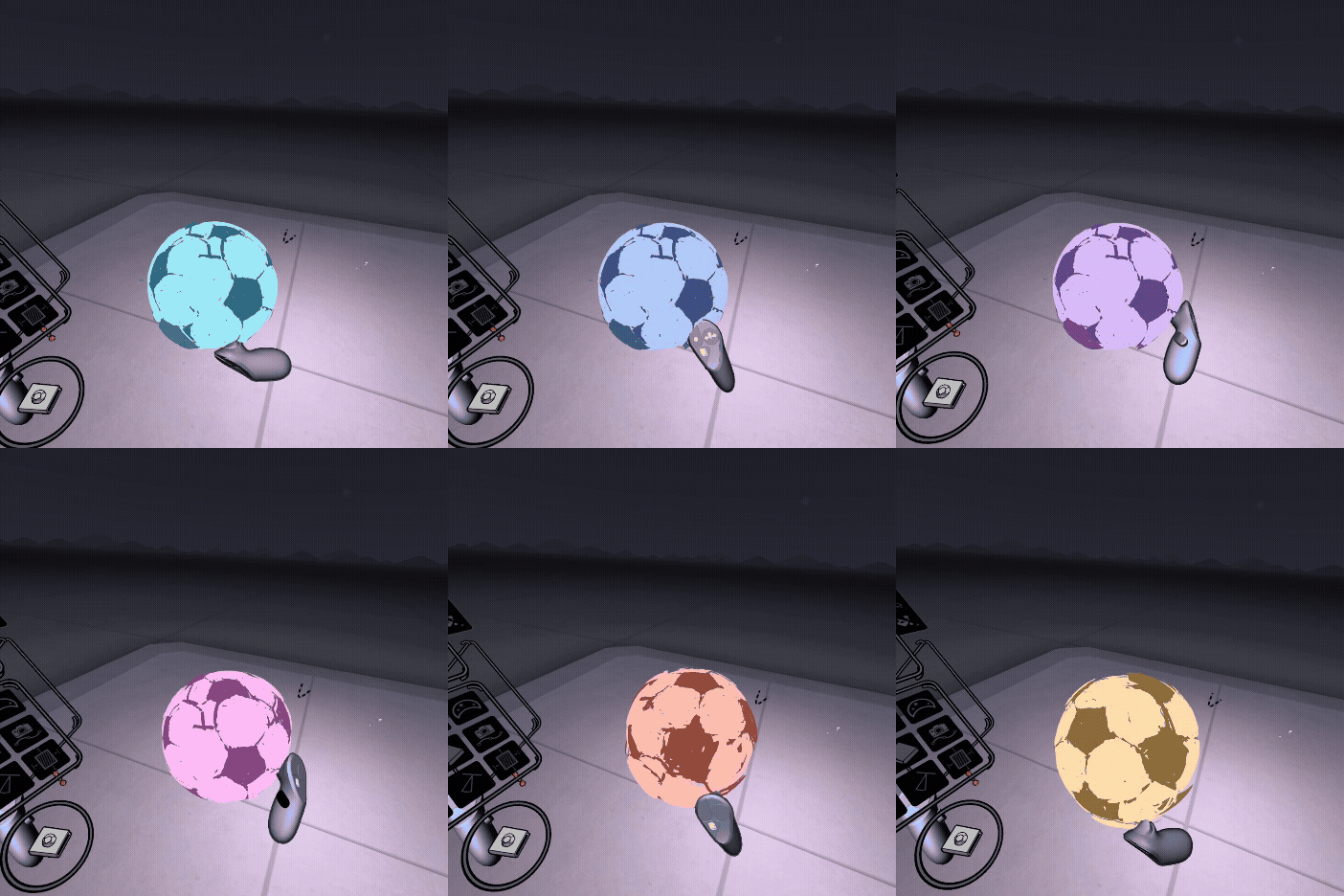
Once I had figured out the basic controls my idea was to paint a 3D football, to aid me with this I decided to use the guides and spawned in a sphere and used it as a guide to paint the football in the perfect shape.
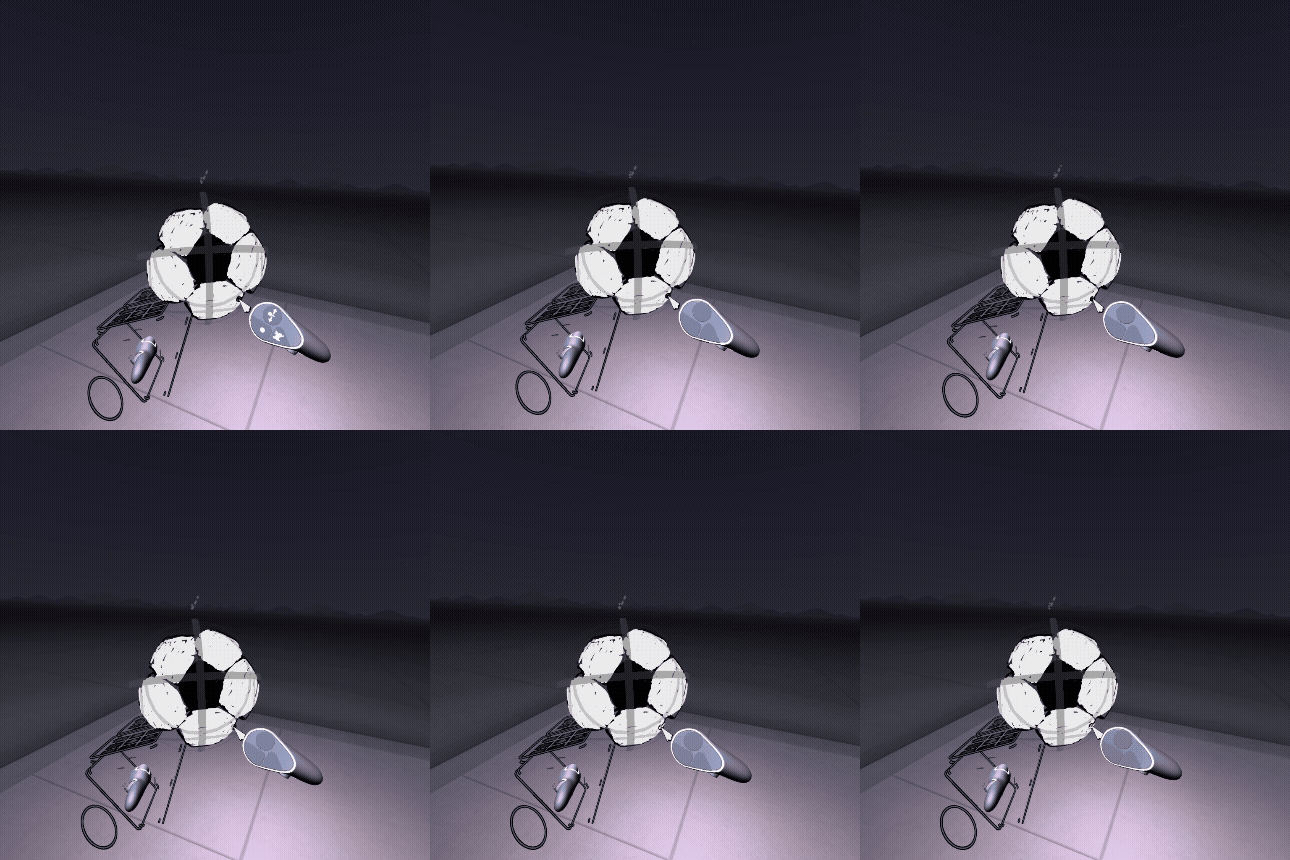
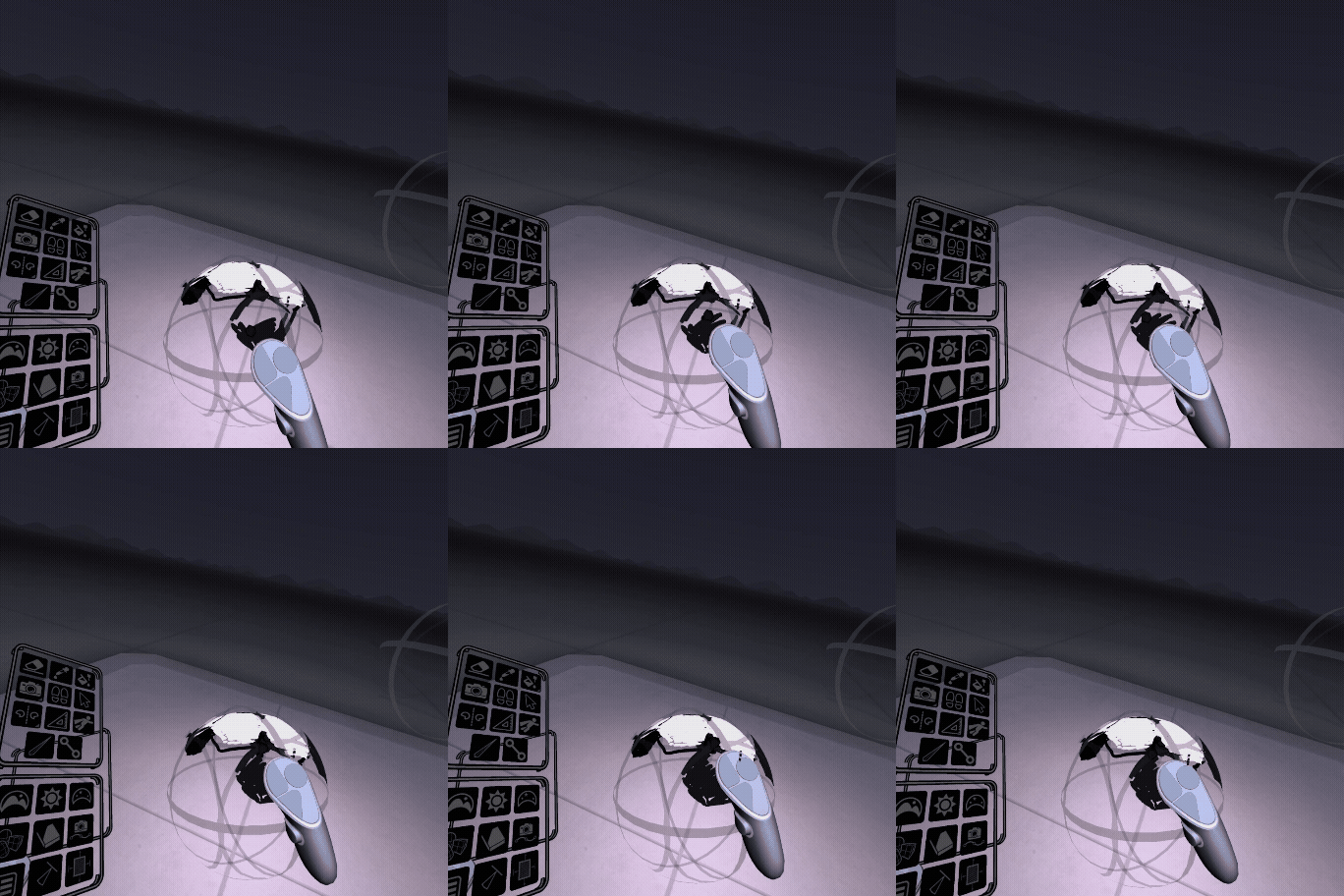
Once I had the first face of the football painted I then used the copy and paste and tried to piece the faces together. However, this wasn’t as smooth and simple as I thought it’d be as the faces I drawn weren’t 100% proportional and were more rough and randomly sized so in the end it was a bit more “scruffy” looking than I thought it’d be with some layers overlapping and not perfectly fitting as planned. I felt it was still somewhat visible to see what it was I attempted to paint in the end.
If this were to be turned and created into a full scene I could create an immersive story telling experience or mini football scene, I could make use of the different and special brushes provided with the software such as the elemental brushes like the Fire and Water brush. I would create a scene of a player striking the ball towards goal and could use these brushes to create effects coming off the ball and player to give a bit of life to the scene and paint the grass and goal posts in. I could further this by using the experimental version of open brush which allows users to animate scenes. I could develop this into a mini story telling animation with the ball bouncing along the grass with the player then coming into the scene and striking the ball, I would make use of the experimental brushes again to add extra depth and layers to the scene to make it feel more alive.
A different example of a future immersive project different from the topic I already created could be a more user inclusive project and more of a mini game/ competition. This app could be used as a mini painting competition where users are presented with a blank canvas, shape or model and are given a prompt to paint/ model on whatever they have been given. I would paint a background and add design elements so they are not just stood in a blank scene. This is something that could also be combined with the real world using the passthrough environment mode where a group of people are presented with a blank canvas or model in real life and they they paint around it within the VR world.