Wireframing is a very important part of creating either a website or mobile based app as it allows you to create multiple basic layouts and can give you a lot of early ideas of how your site/ app will be laid out.
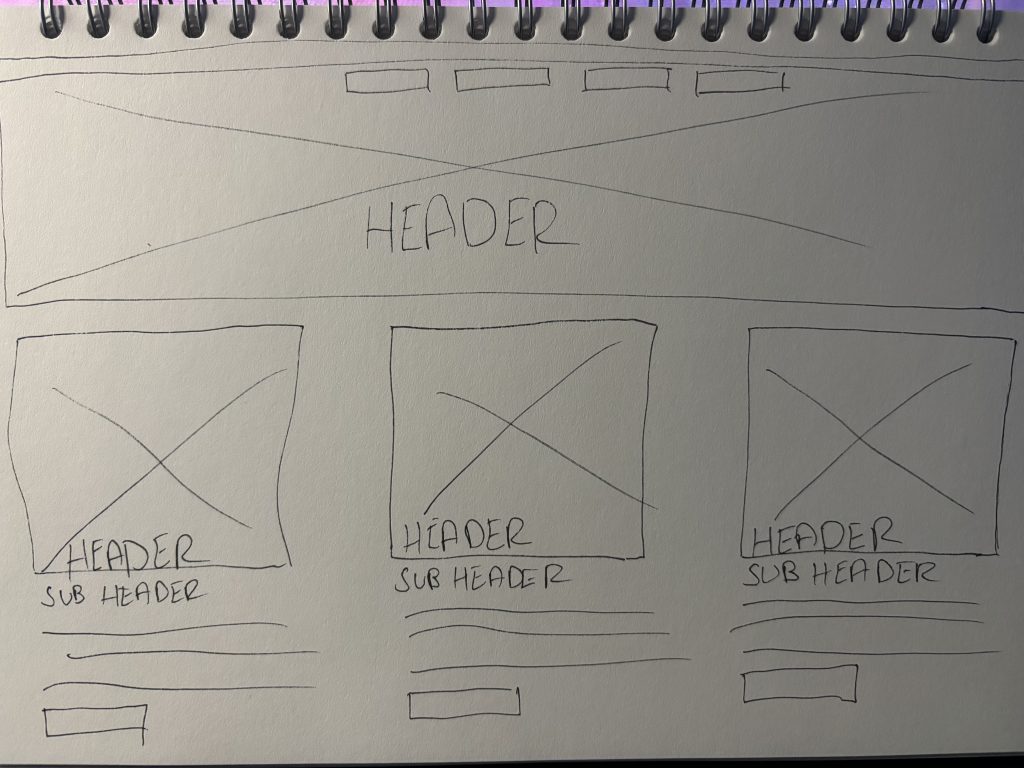
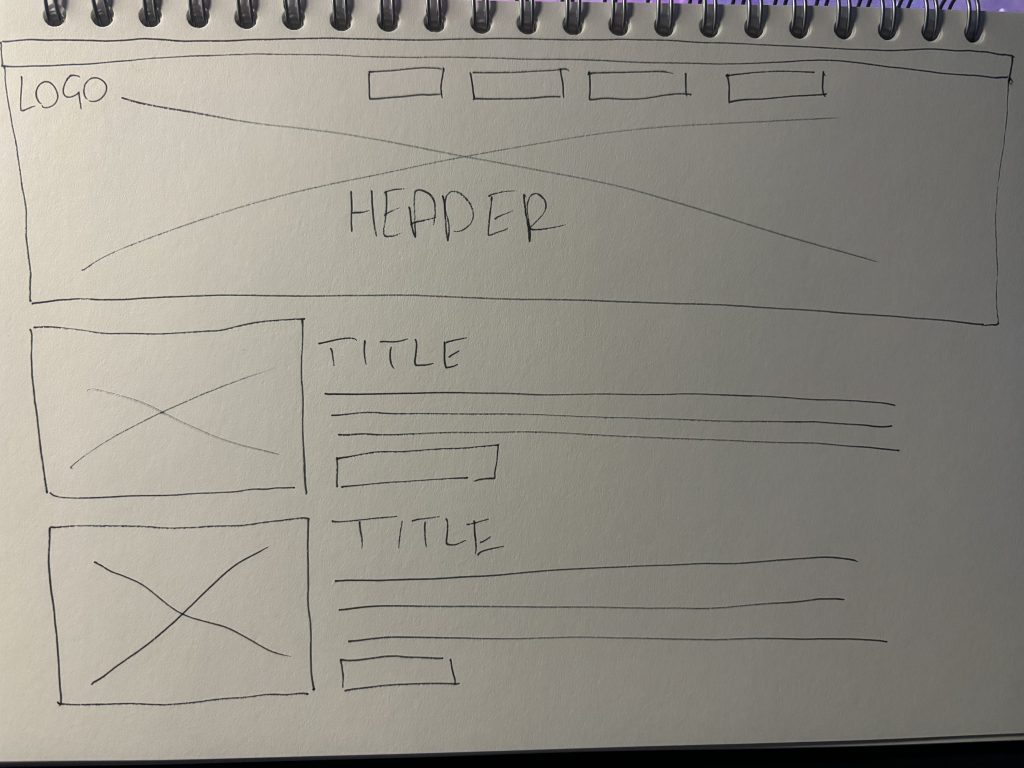
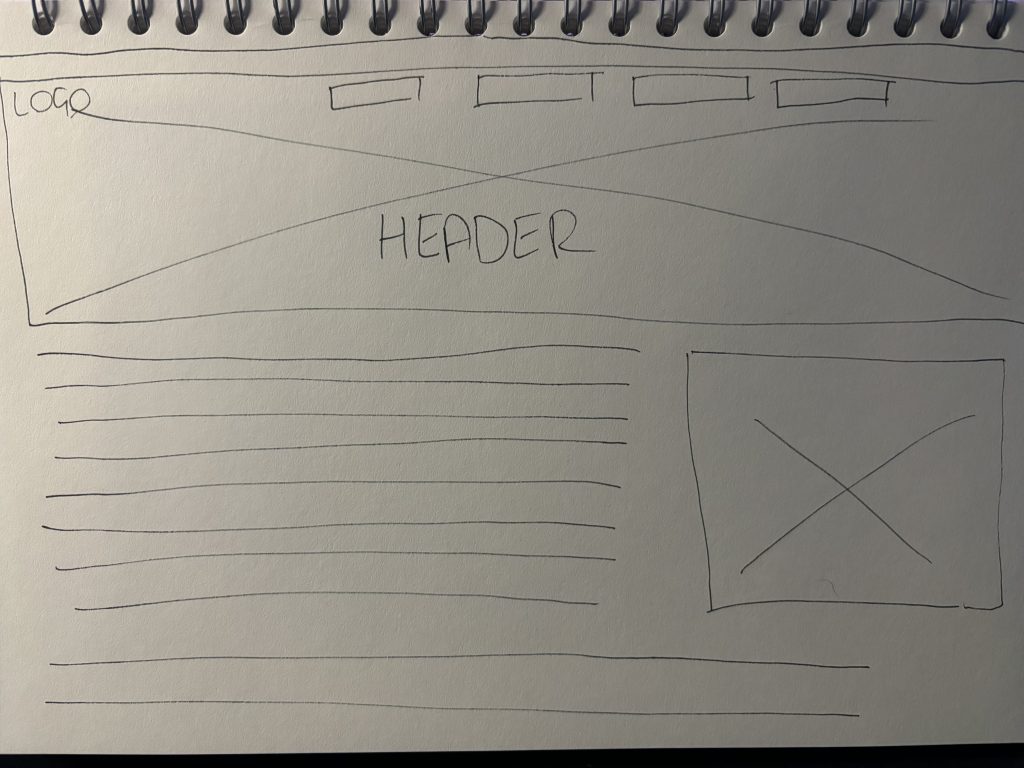
When wireframing it is always a good idea to create a few hand drawn wireframes, this can be done on paper or could still be done digitally, creating wireframes like this is effective and would be a good idea to do as it allows you to create multiple styles of wireframes roughly and effortlessly and in a very quick time and can give you the very basic idea and visualisation of how your app or webpage could be laid out. Above I have created three wireframes that taken me about a minute each to make I aimed to make a wireframe focused with more images a little information and then to a wireframe which is more information focussed and little imagery used.
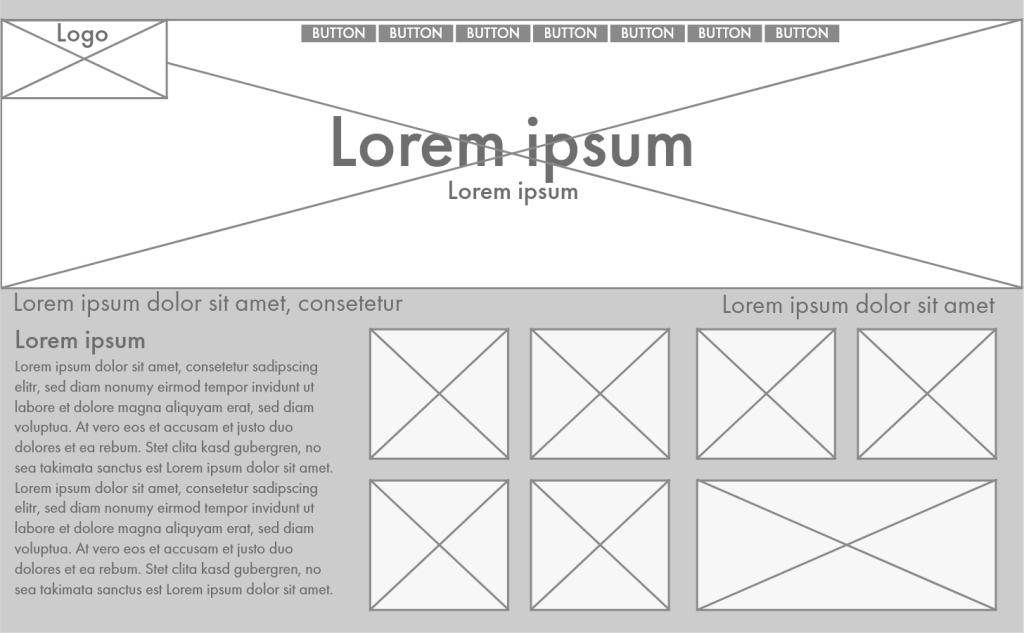
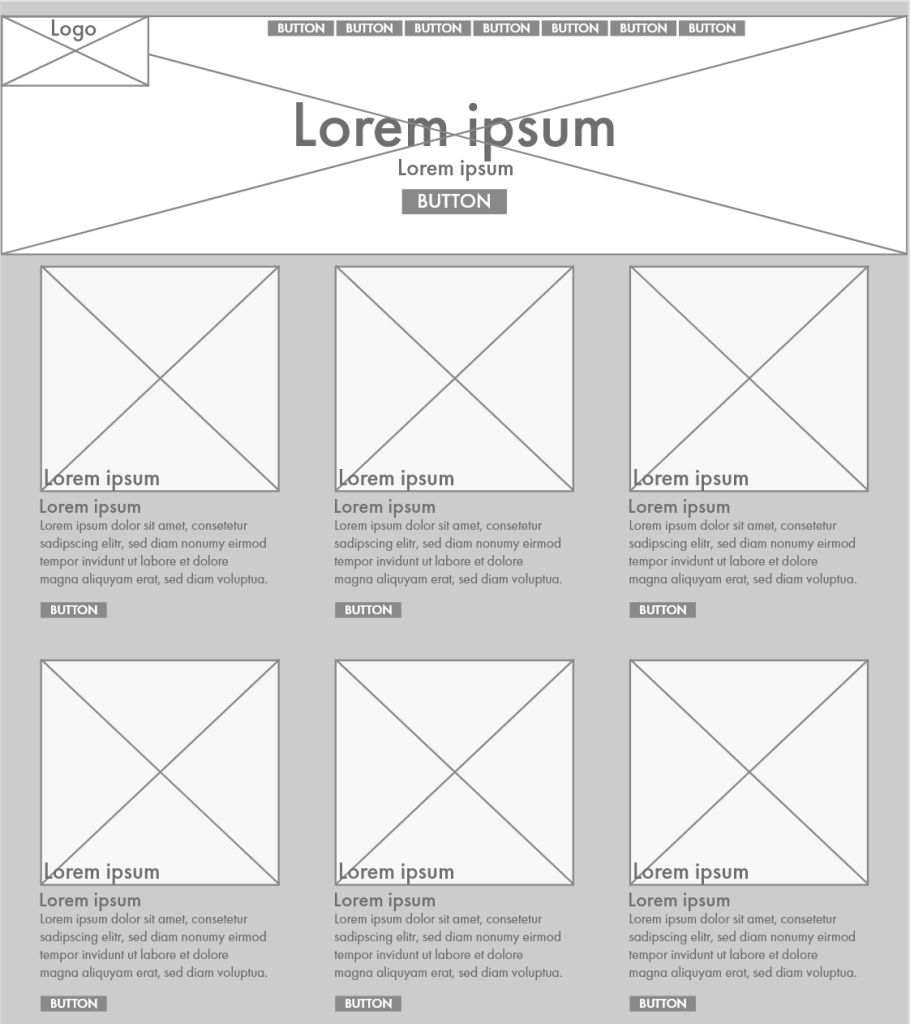
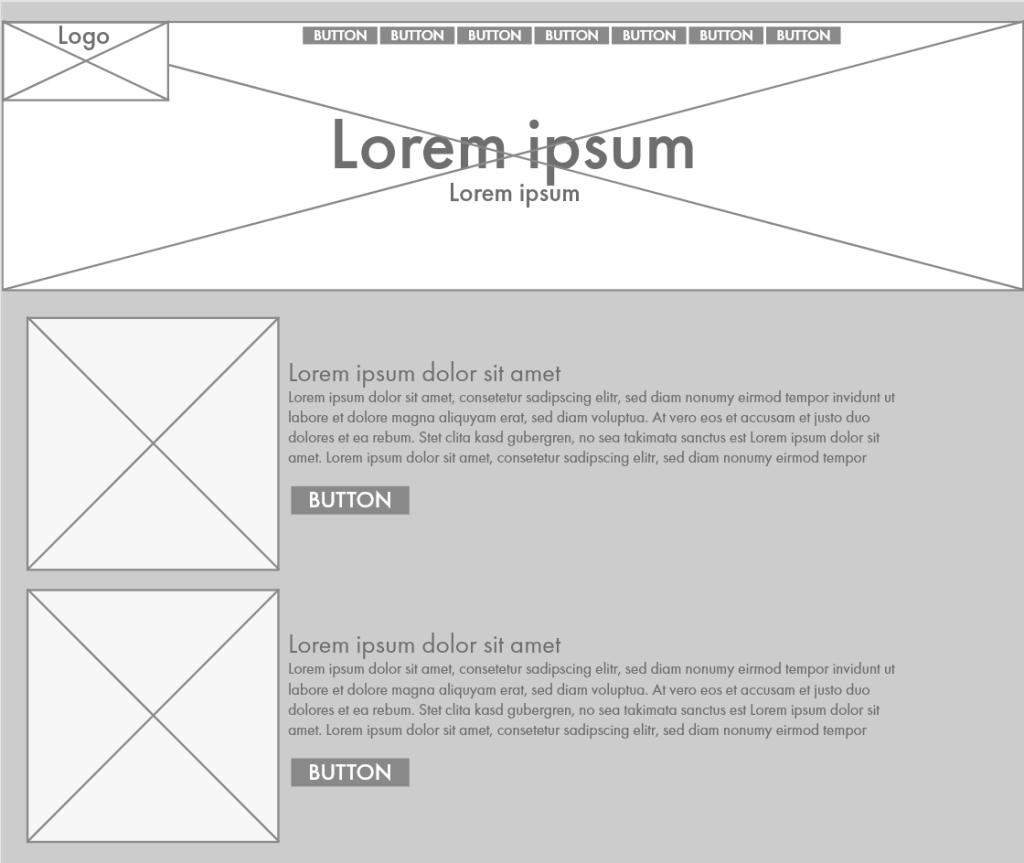
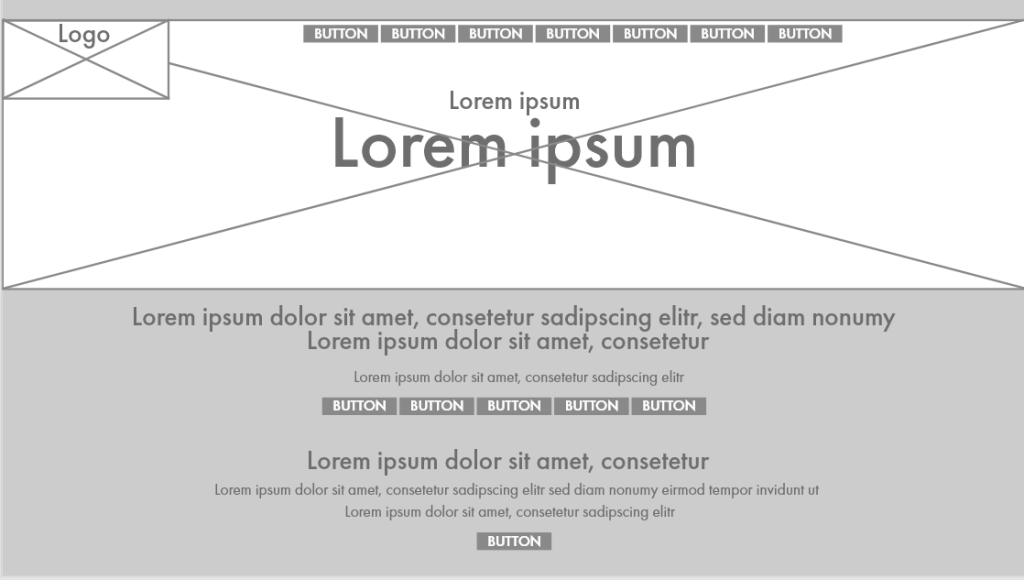
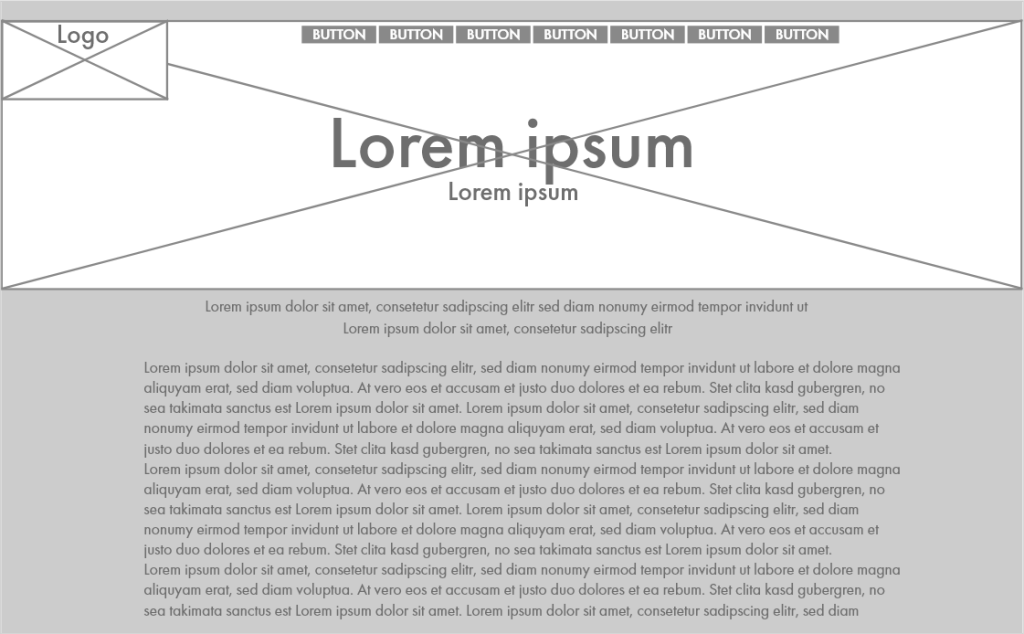
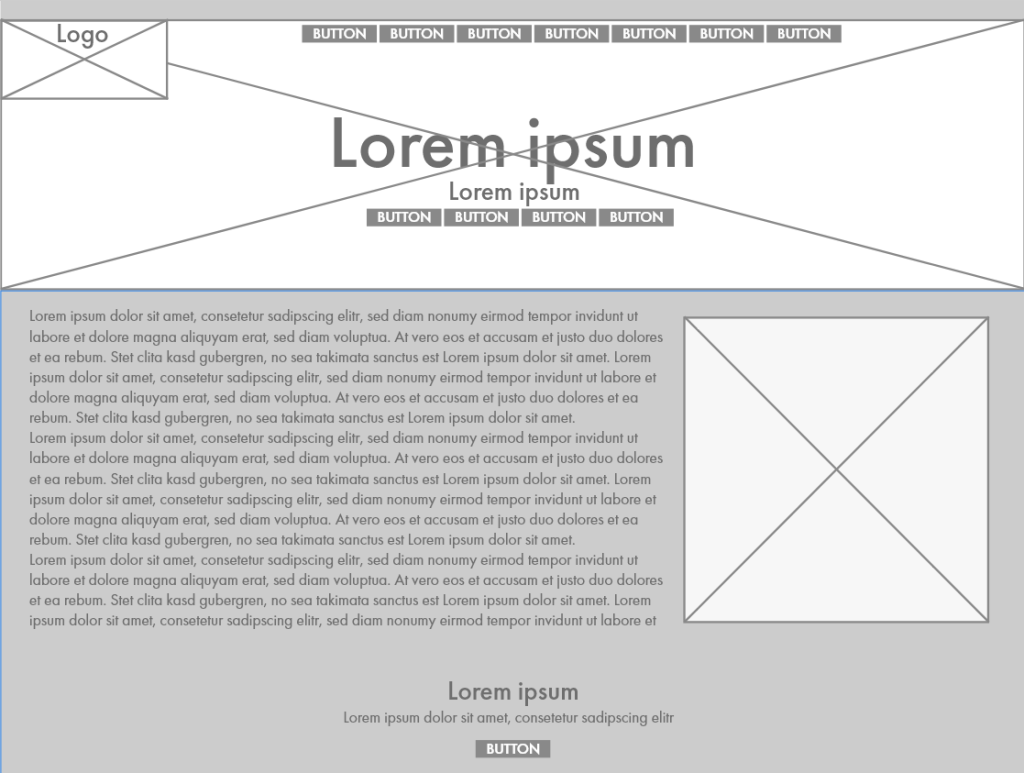
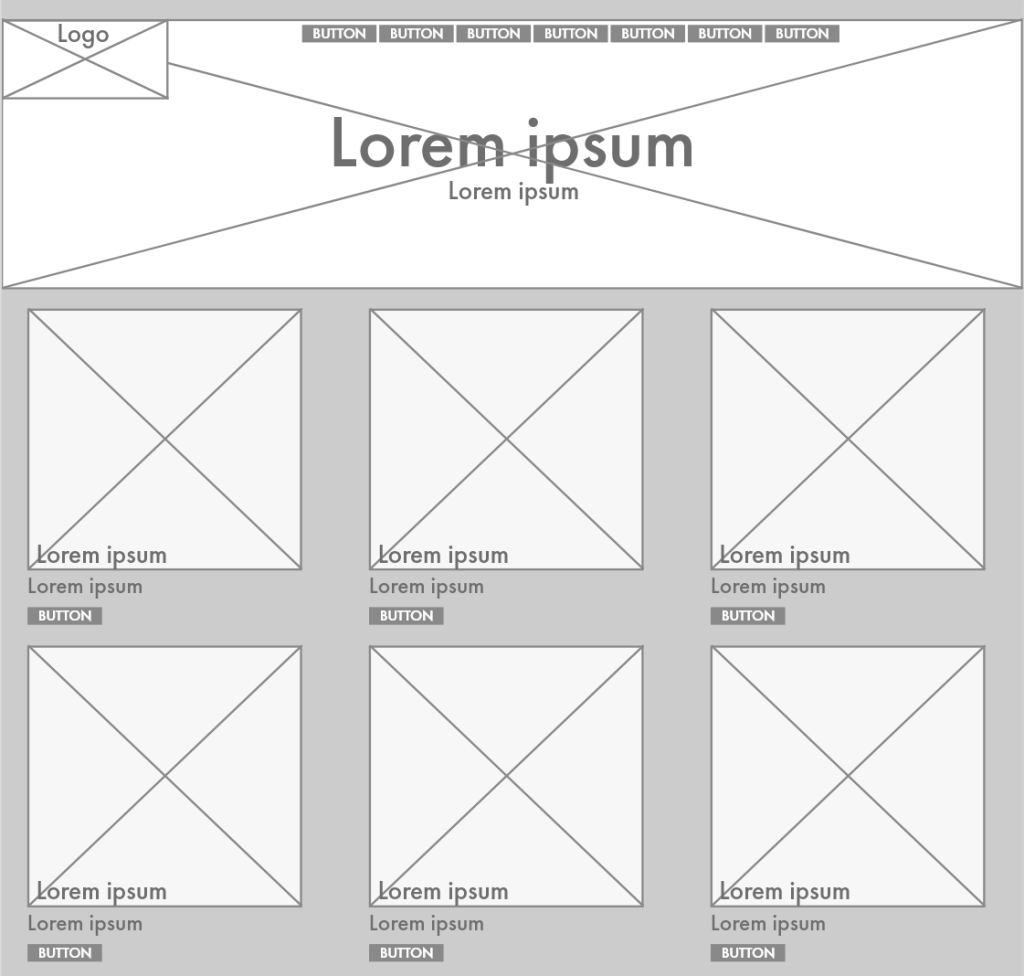
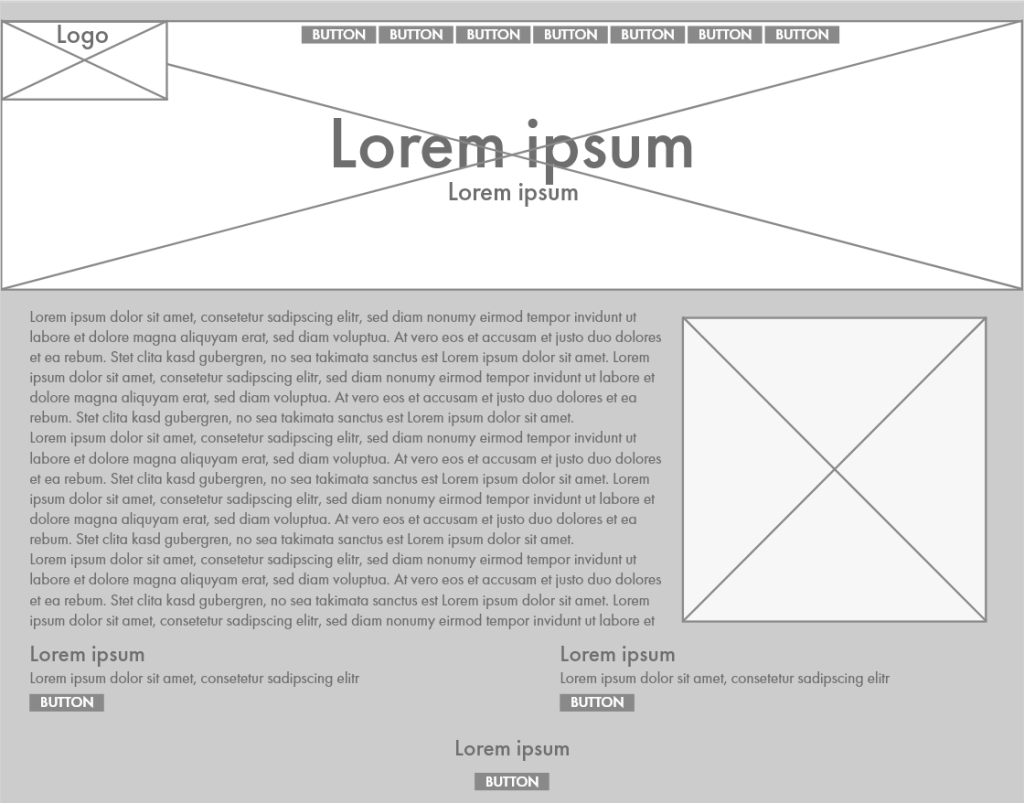
Once I had a rough idea from my hand drawn wireframes I created multiple wireframes using Adobe XD for my refreshed Freedom Festival website, typically, when creating a wireframe text should be greeked in or also known as lorem ipsum or, like in my hand drawn wireframes, just lines can simply be used. For things such as buttons square boxes again can be used like I have shown in my wireframes above. Creating wireframes using Adobe XD is very easy and effective as they provide lots of basic tools in order to quickly create a wireframe and extra plugins can be downloaded from the creative cloud app to make that process even easier. Within XD there are a few tools that make the process very easy, for example, the box tool allows you to create boxes of any size you like which you can use to demonstrate where things like buttons, images or something like a logo can be placed and then you can use the line tool to create crosses within the boxes and group them together to create one component and then XD allows you to copy and paste them where you can keep repeating and make them any shape or size without any extra fuss/ effort. From here, in XD you can prototype your wireframes if you wish to test out how the website will behave and how the overall interactivity of the site will work, giving yourself and other people such as stakeholders or clients a slight more of an idea of how it will look in a more digitalised fashion. As for plugins, there are lots of useful plugins that can be downloaded, as for my wireframes i downloaded a plugin that allowed me to place greeked in text/ lorem ipsum.
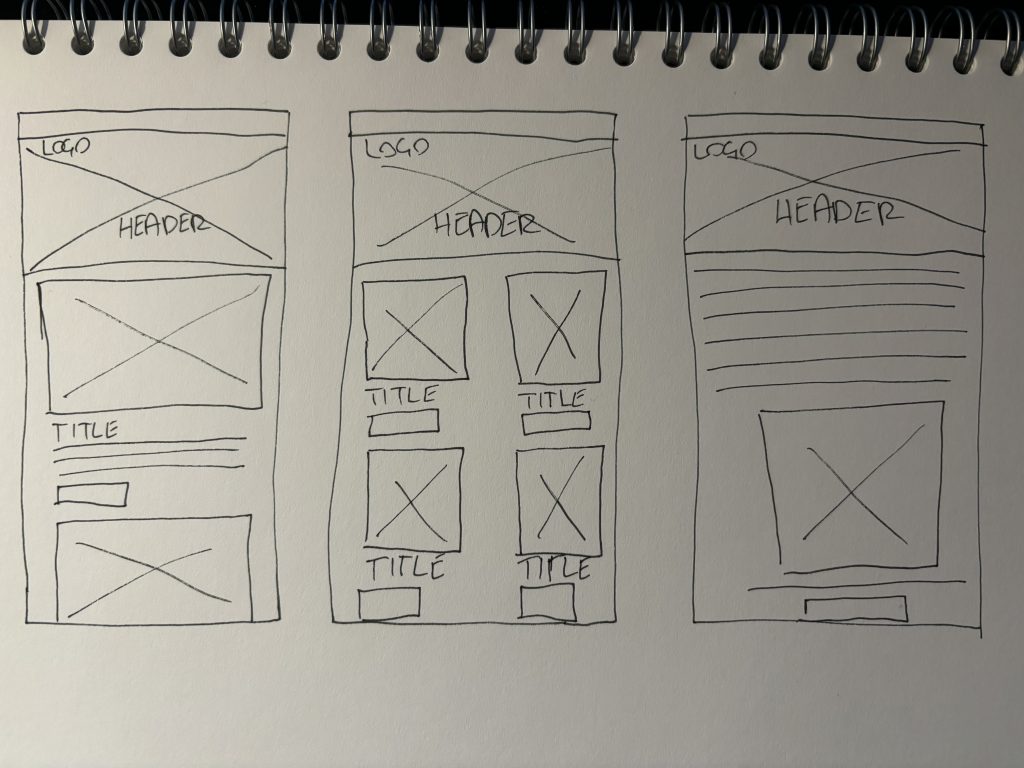
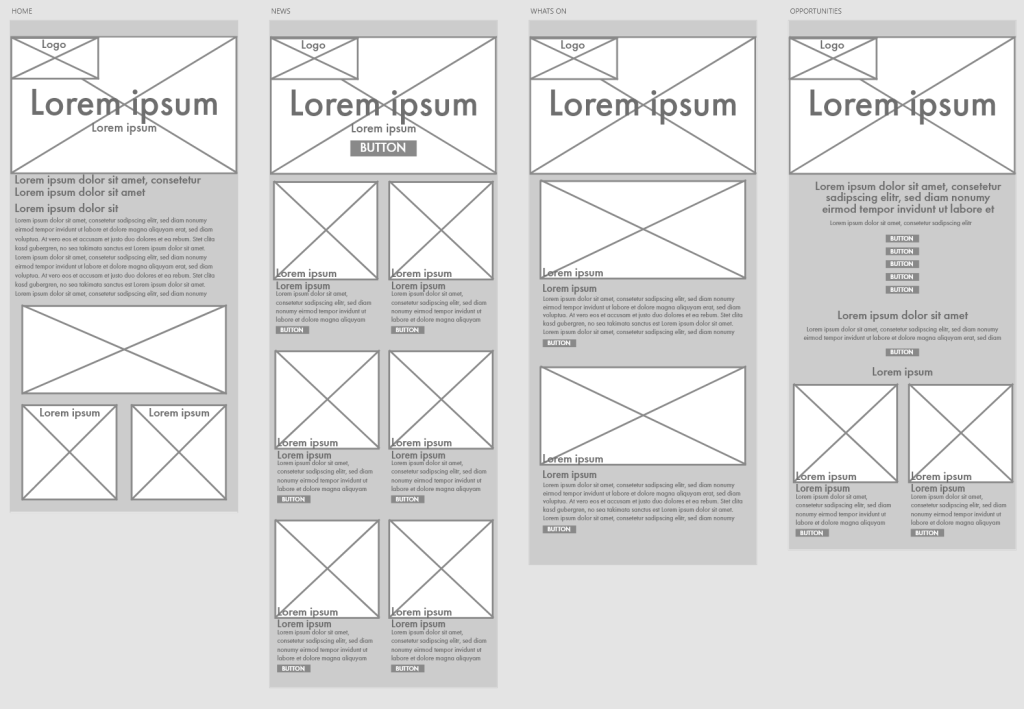
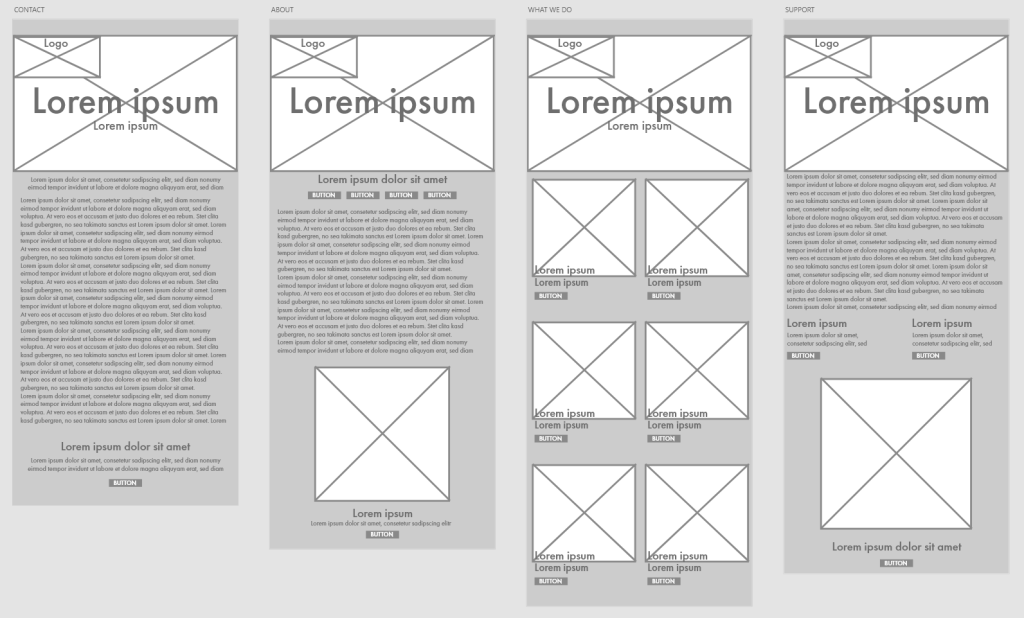
Creating wireframes is also important as it allows you to plan out a responsive design system throughout different screen sizes and how your interface may look on a smaller screen size. I again went through the same process of creating a hand drawn wireframe where I created again a wireframe more image based with fewer text to a wireframe more text based with fewer images. Once I got to XD I originally copied and pasted my website wireframe and took components from each page and shrunk certain components to see how they best fir on the smaller screen size and I experimented with the text to make sure I didn’t make it either too big or too small and I tested how I’d imagine the size of the buttons would be to again see if they were too big/ small for the screen size.
For my XD prototypes I added basic colour just to help separate each piece of the site/ app to give myself a bit of a clearer idea how the final outcome would look, but avoided using RGB so that it didn’t end up looking more like a low fidelity mock up instead of a wireframe.